


Плазменное Оружие Skynet V96


- ⚠️ Наблюдаются проблемы с доступностью файловых серверов с территории РФ. Если файлы не скачиваются, воспользуйтесь кнопкой "Скачать в Telegram" или используйте VPN
-
Скачать (3.75 MB)9 января 2026skynet-plasma-gun-v96_1767942657_192256.7z
Плазменное Оружие Skynet V96
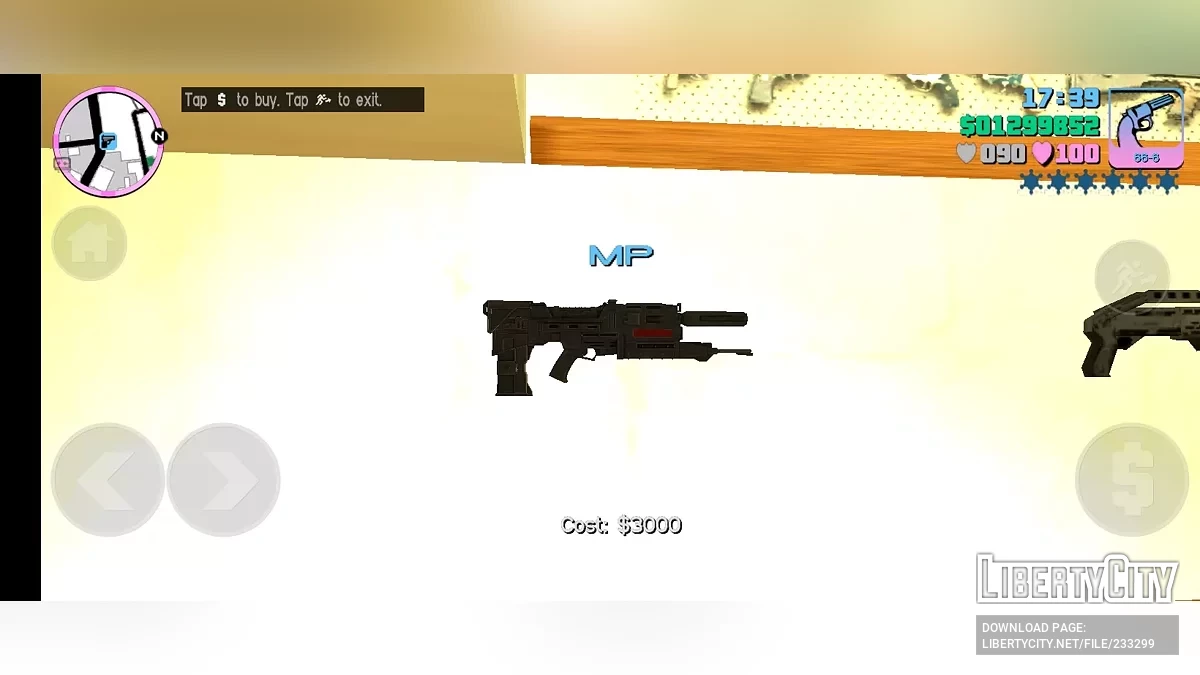
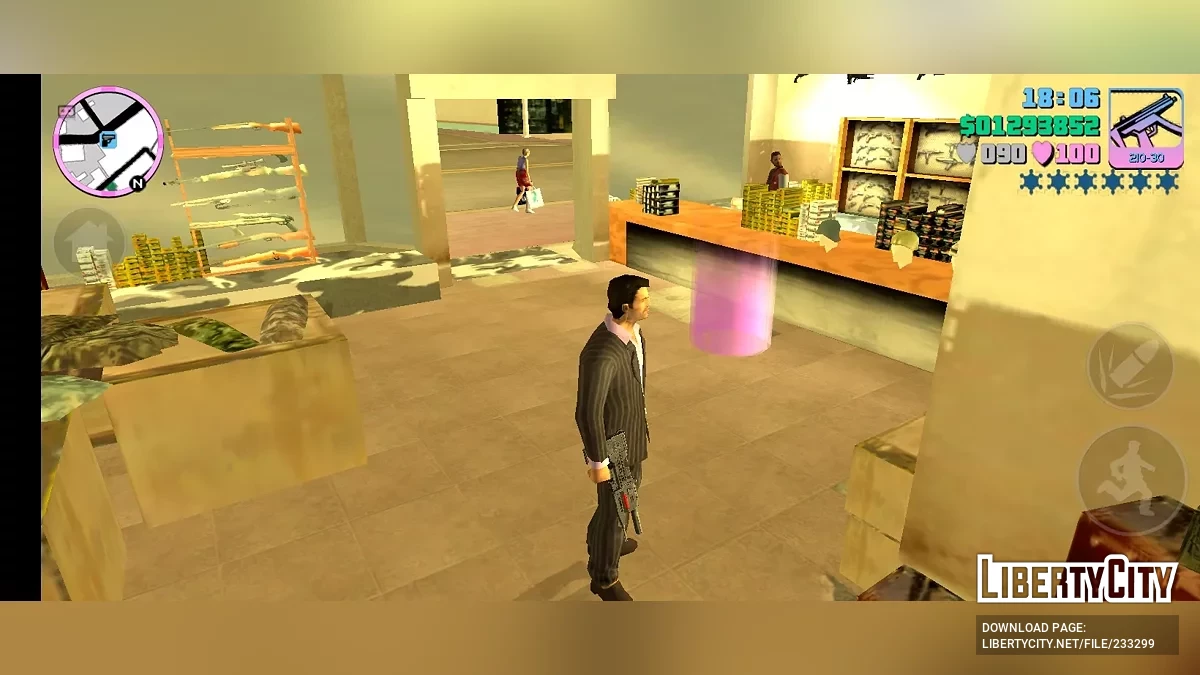
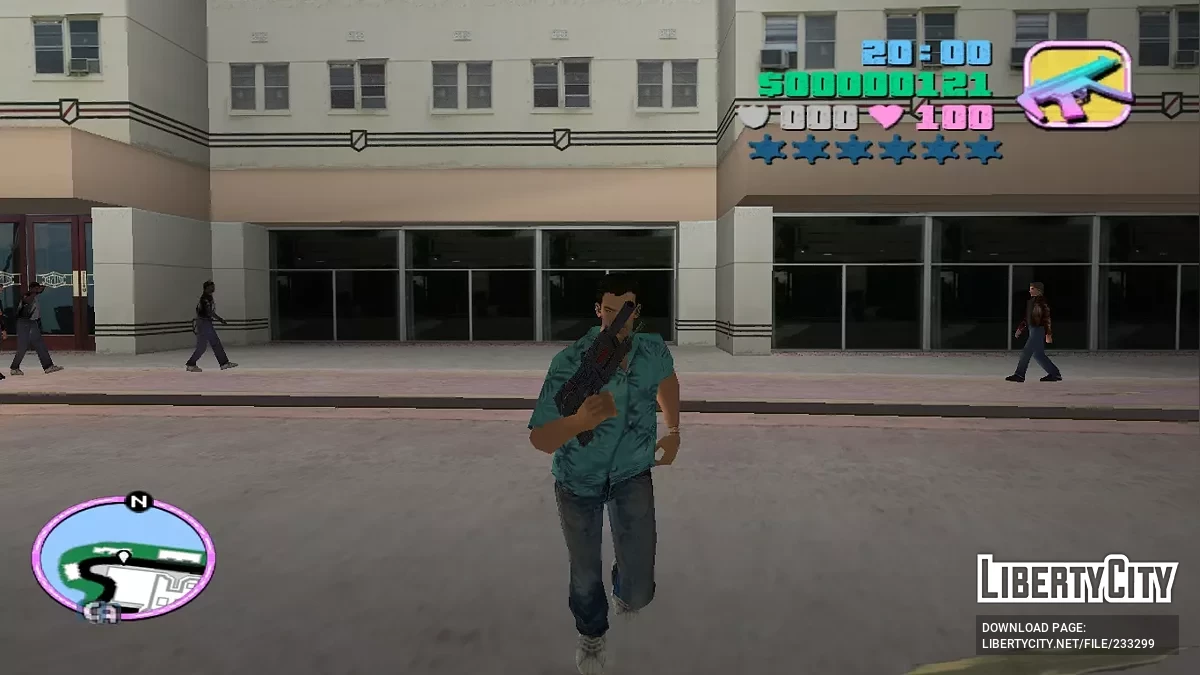
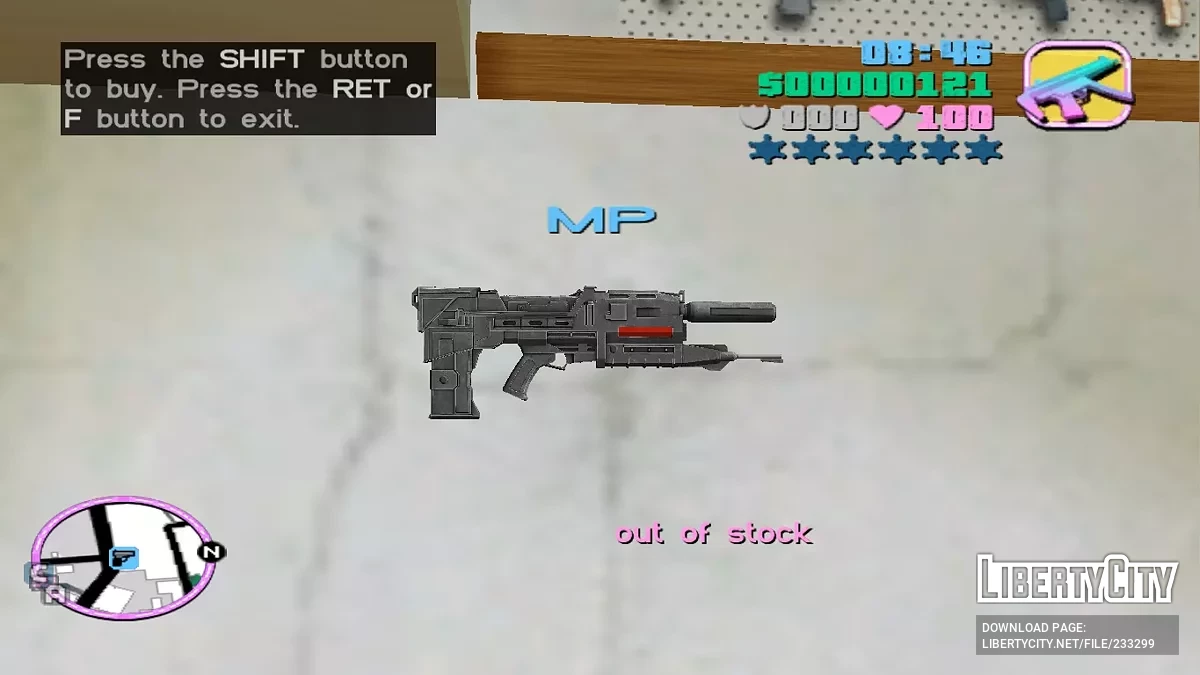
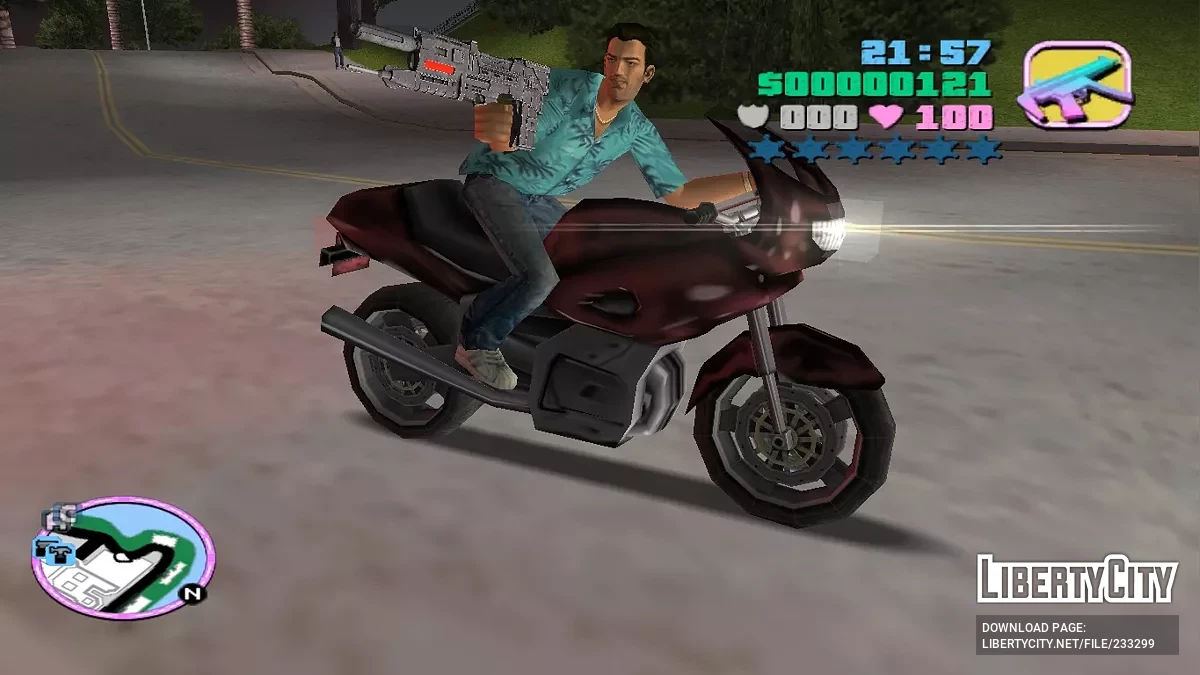
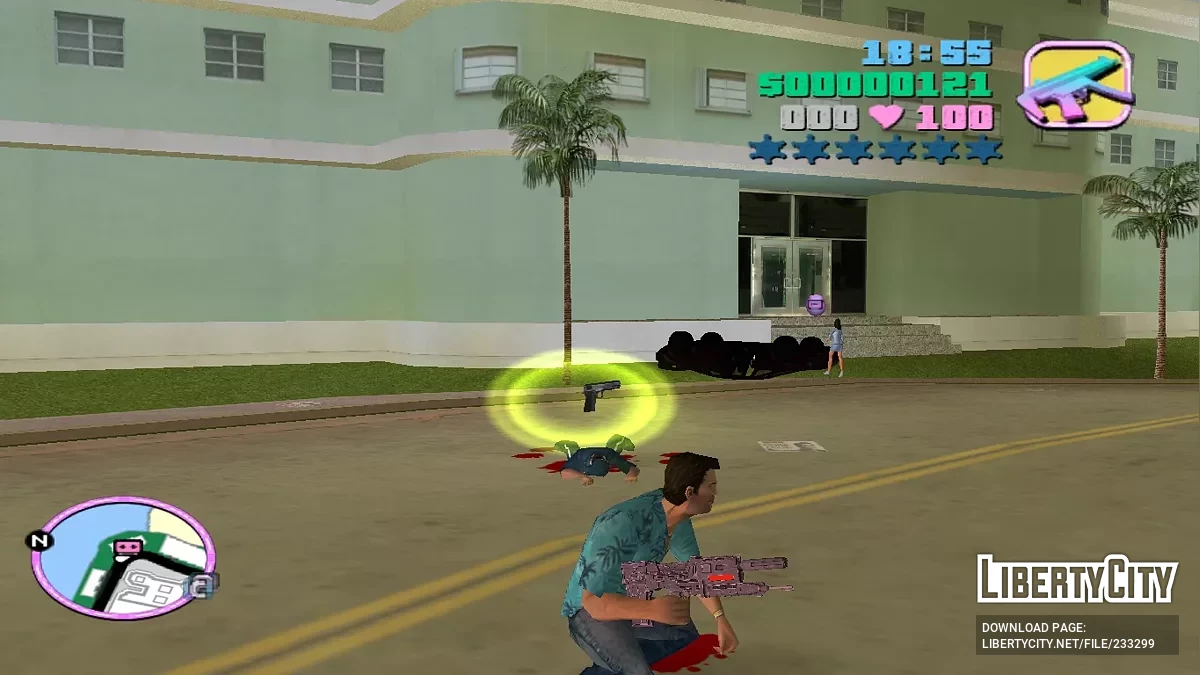
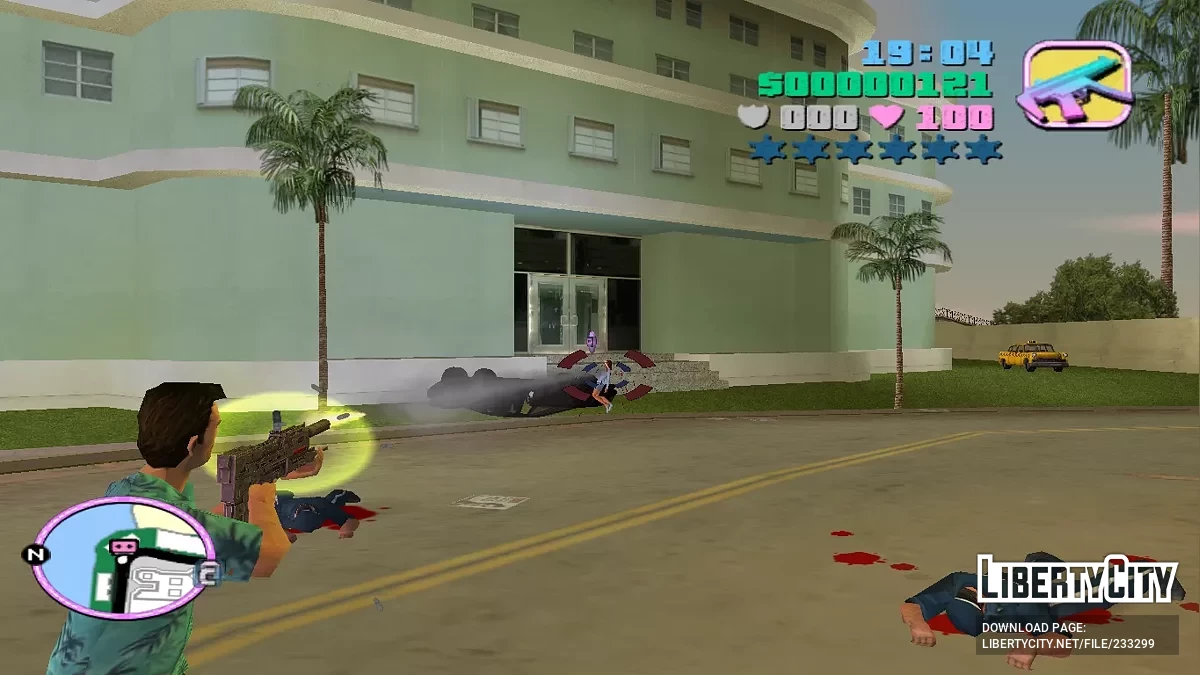
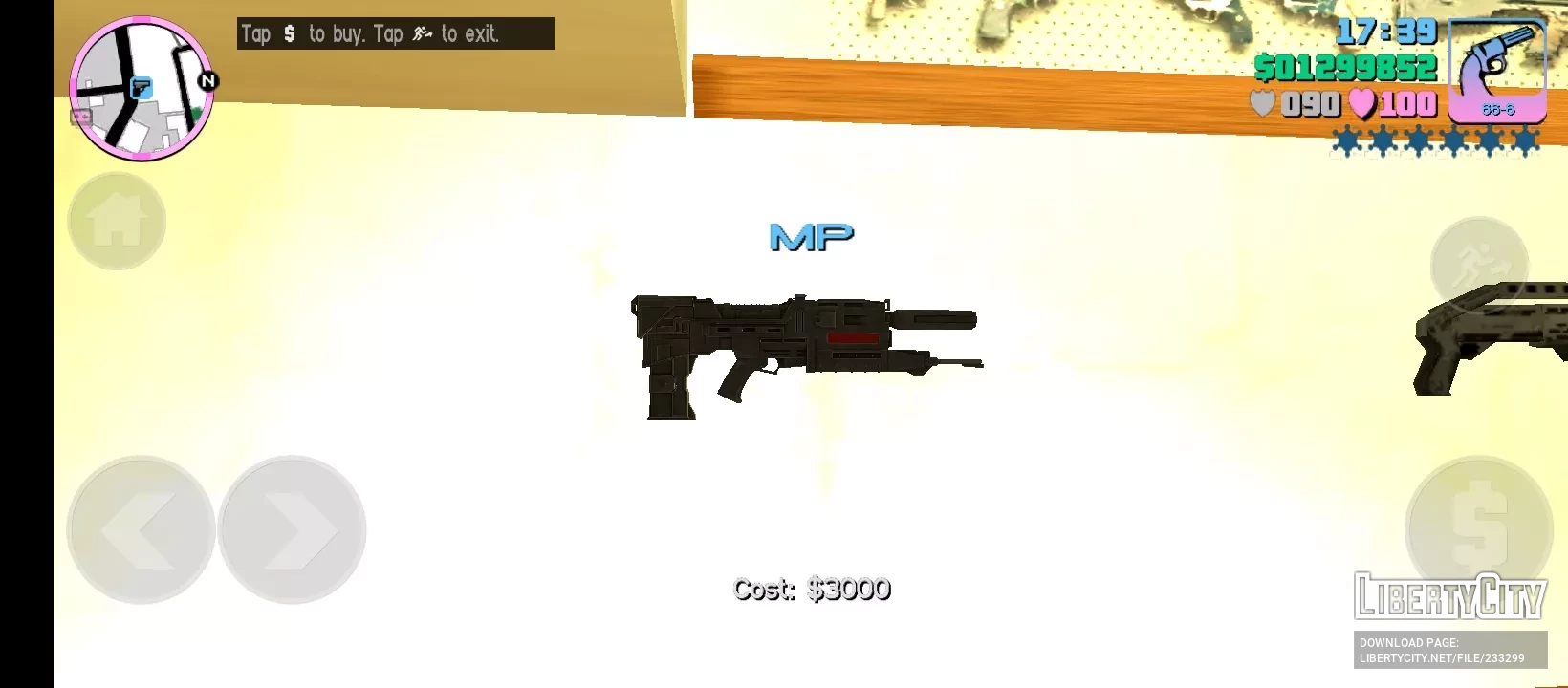
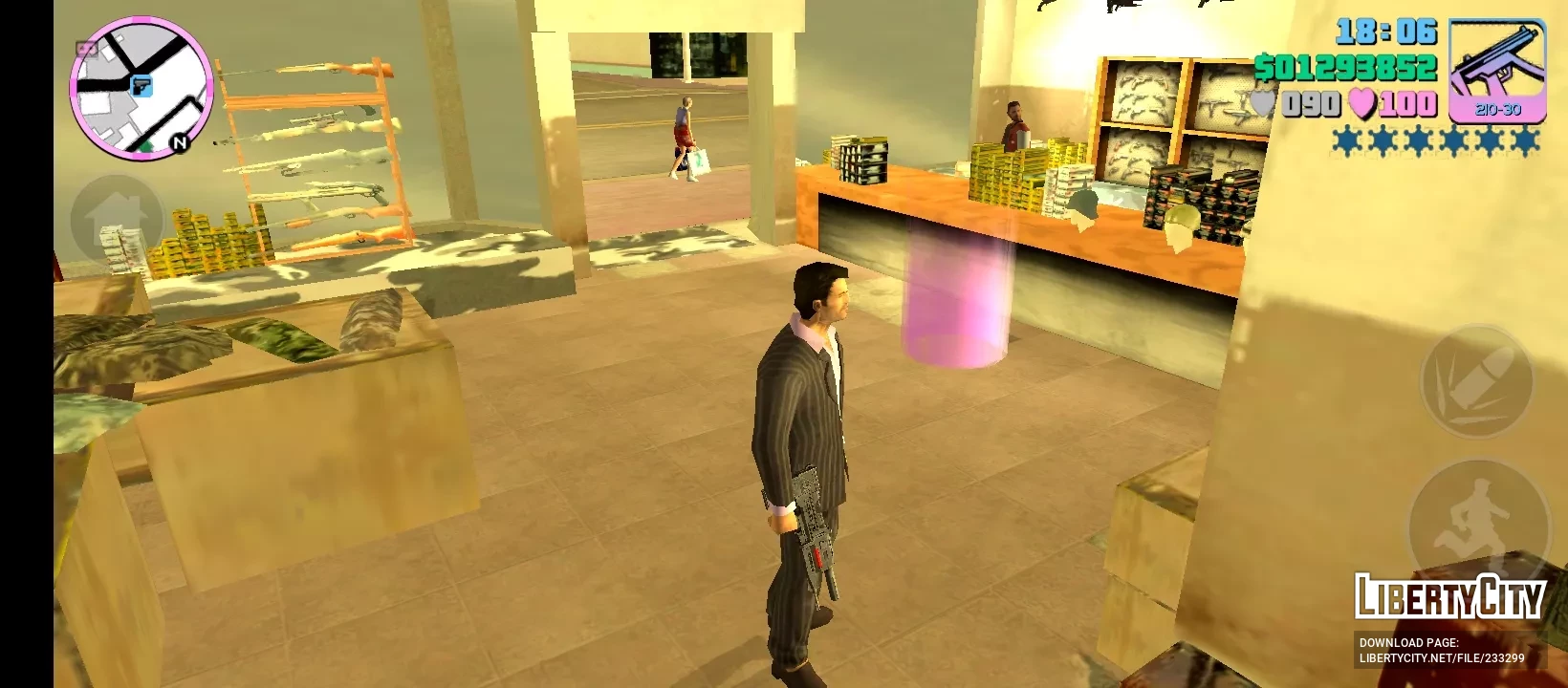
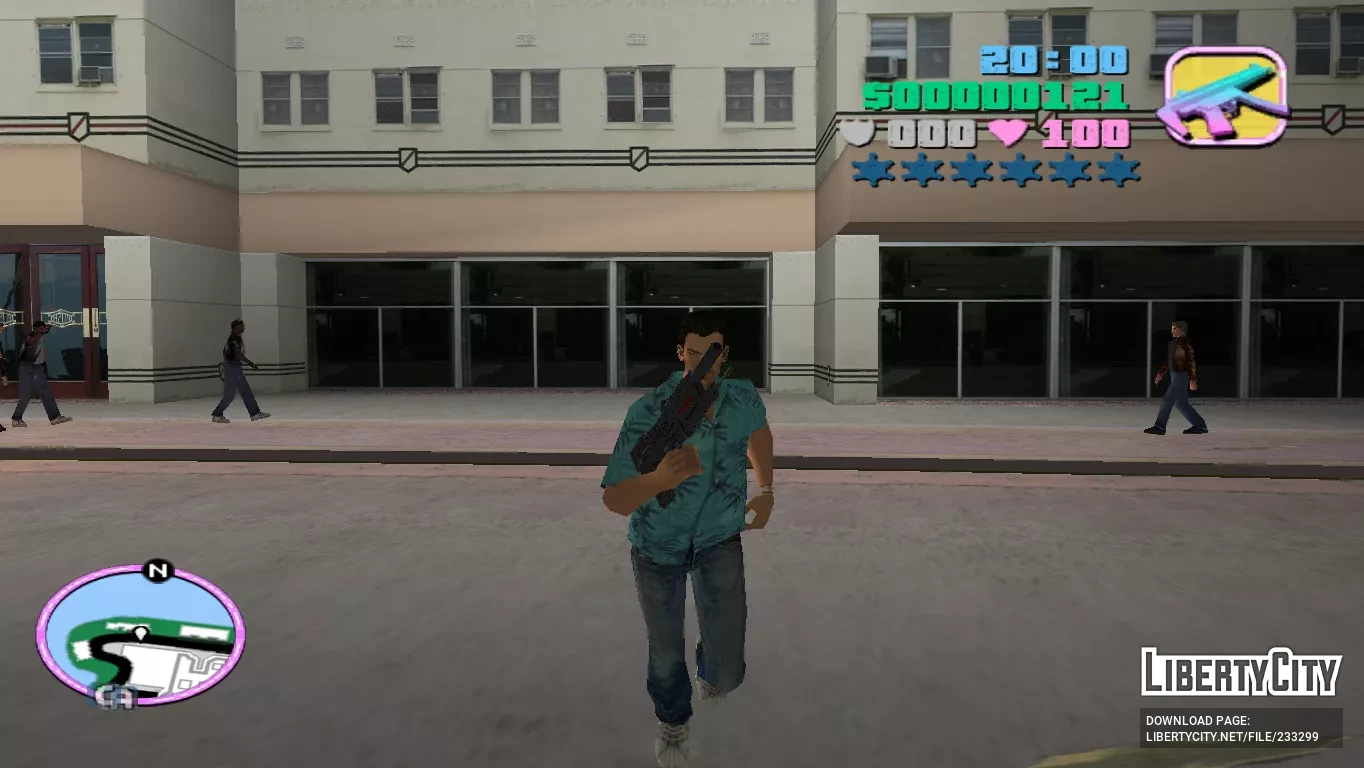
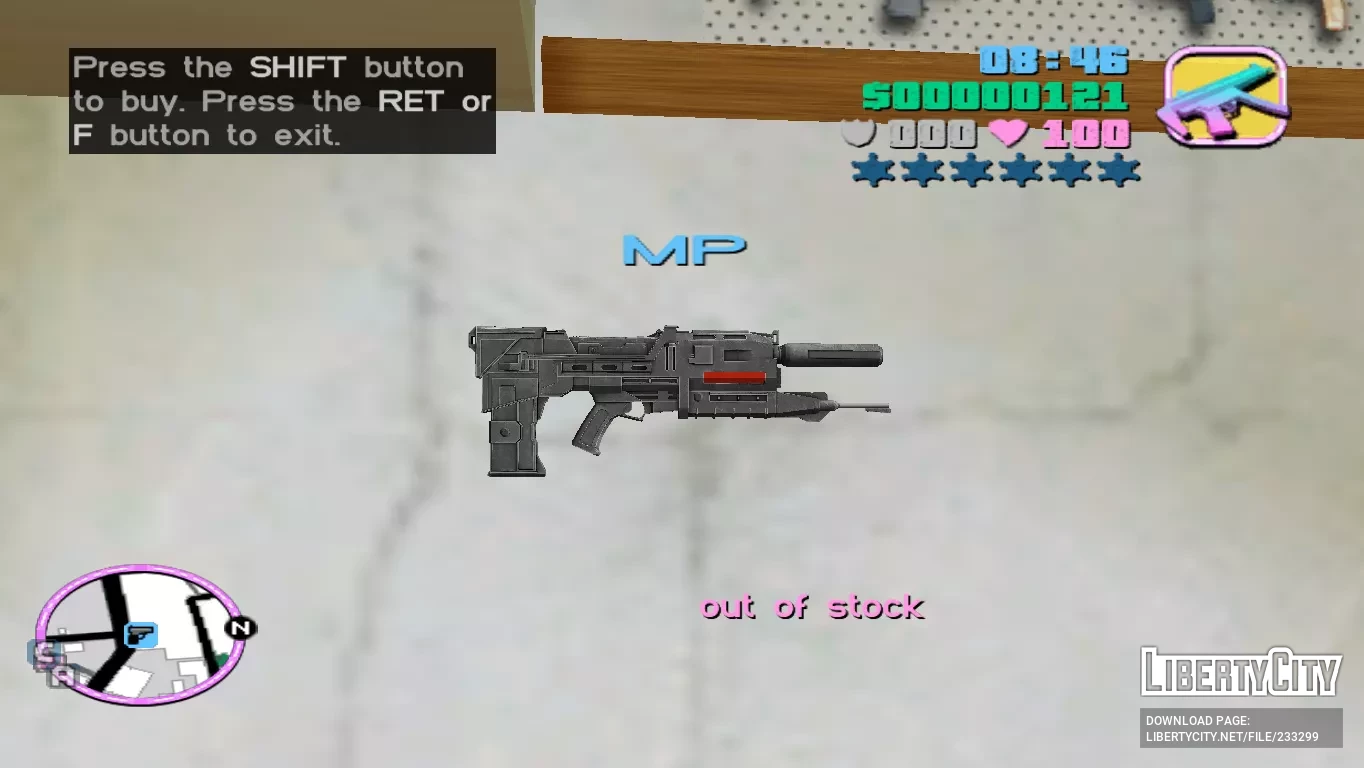
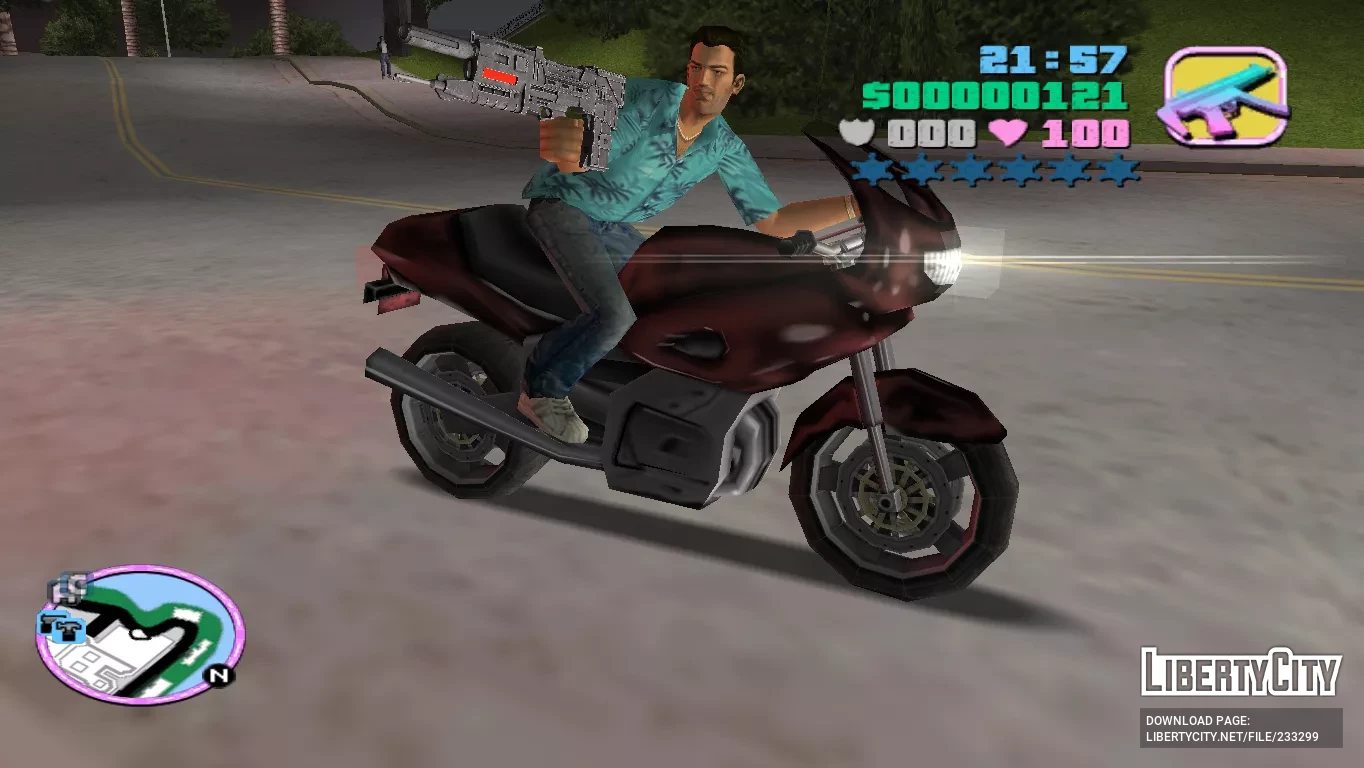
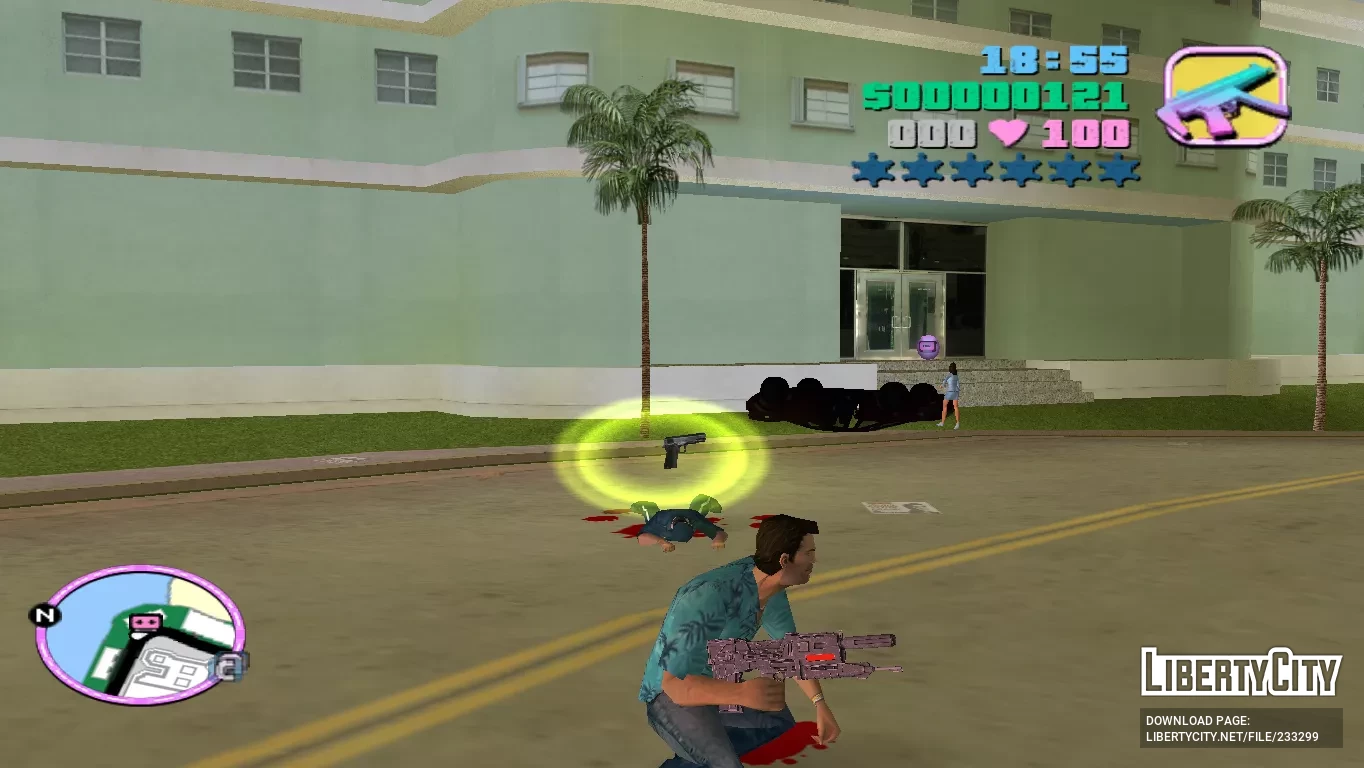
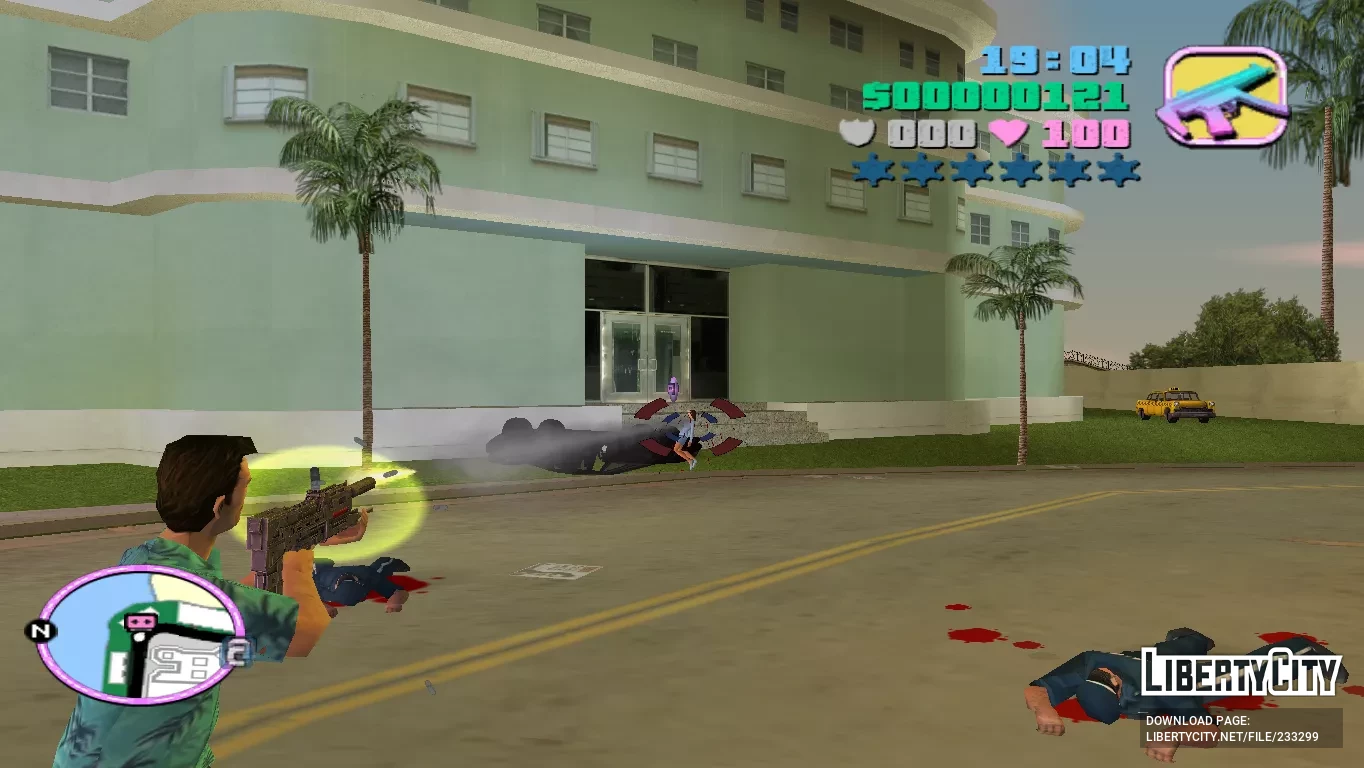
Добавьте в GTA: Vice City новое мощное оружие из игры Terminator: Resistance. Оружие имеет улучшенные характеристики и идеально вписывается в игровой процесс.
Особенности:
-Высококачественные текстуры и модели.
-Увеличенный урон, точность и ёмкость магазина.
-Совместимо как с ПК, так и с Android.
ИНСТРУКЦИИ ПО УСТАНОВКЕ:
Для ПК:
-Создайте резервную копию файлов игры перед установкой мода.
-С помощью "Txd Workshop" найдите папку установки игры и перейдите в "models", откройте файл "gta3.img" и замените "mp5lng.dff и mp5lng.txd".
-Теперь перейдите в папку "data", используйте "Блокнот" для открытия и замены файла "weapon.dat".
Для ANDROID:
-Откройте "GTA IMG Tool" и следуйте по пути:"Android/Data/com.rockstargames.gtavc/files/texdb".
-В файлах "weap_high.img" и "gta3.img", удалите "mp5lng.dff" и выберите "Добавить с заменой" для импорта нового оружия.
-Используйте "TXD Tool" для открытия "gta3hi.txt" и "gta3img.txt", выберите "Импортировать несжатый 32bpp" для добавления текстур.
-Теперь перейдите в папку данных, чтобы заменить старые файлы, запустите игру и наслаждайтесь!
Skynet Plasma Gun V96
Add to GTA: Vice City new powerful weapon from the game Terminator: Resistance. The weapon has improved characteristics and fits perfectly into the gameplay.
Features:
-High quality textures and models.
-Increased damage, accuracy and clip capacity.
-Compatible with both PC and Android.
INSTALLATION INSTRUCTIONS:
For PC:
-Make a backup copy of your game files before installing the mod.
-With "Txd Workshop" locate the game's installation folder and move to "models",Open the file "gta3.img" and replace "mp5lng.dff and mp5lng.txd".
-Now go to the "data" folder,Use the "Notepad" to open and replace the "weapon.dat" file.
For ANDROID:
-Open "GTA IMG Tool" and follow the path:"Android/Data/com.rockstargames.gtavc/files/texdb".
-In the files "weap_high.img" and "gta3.img",delete "mp5lng.dff" and select "Add with replace" to import the new weapon.
-Use the "TXD Tool" to open "gta3hi.txt" and "gta3img.txt",select "Import Uncompressed 32bpp" to add the textures.
-Now move to the data folder to replace the old files.launch the game and enjoy!