


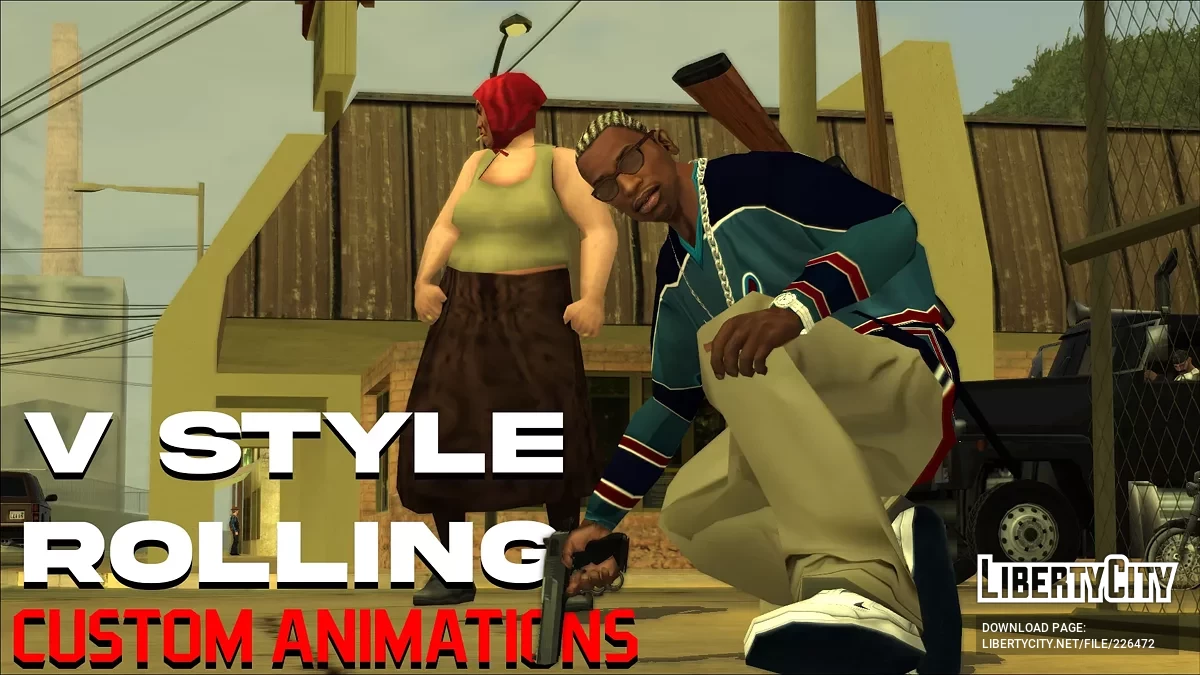
Пользовательские анимации для V Style Rolling























- ⚠️ Наблюдаются проблемы с доступностью файловых серверов с территории РФ. Если файлы не скачиваются, воспользуйтесь кнопкой "Скачать в Telegram" или используйте VPN
-
Скачать (0.05 MB)25 июля 20251.0 (old)custom-animations-for-v-style-rolling_1753452101_297673.7z
-
Скачать (0.12 MB)23 сентября 20251.1custom-animations-for-v-style-rolling_1758634811_26362.7z
-
Скачать (0.14 MB)24 января 20261.2 (Latest)custom-animations-for-v-style-rolling_1769266998_609073.7z
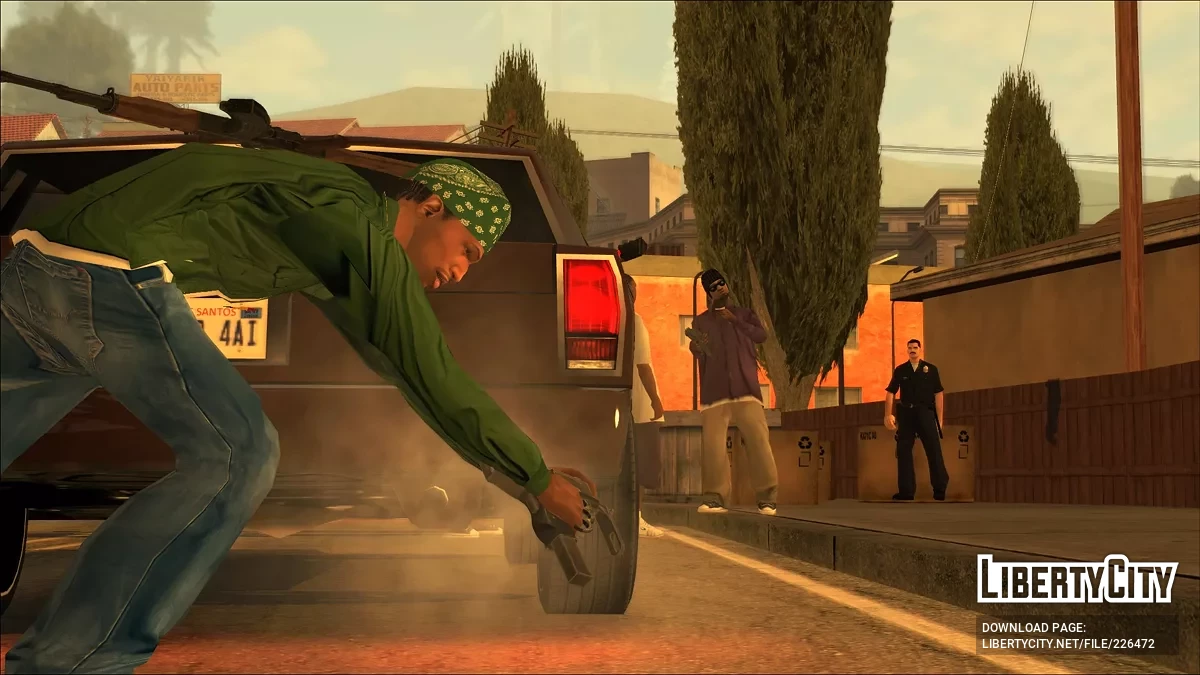
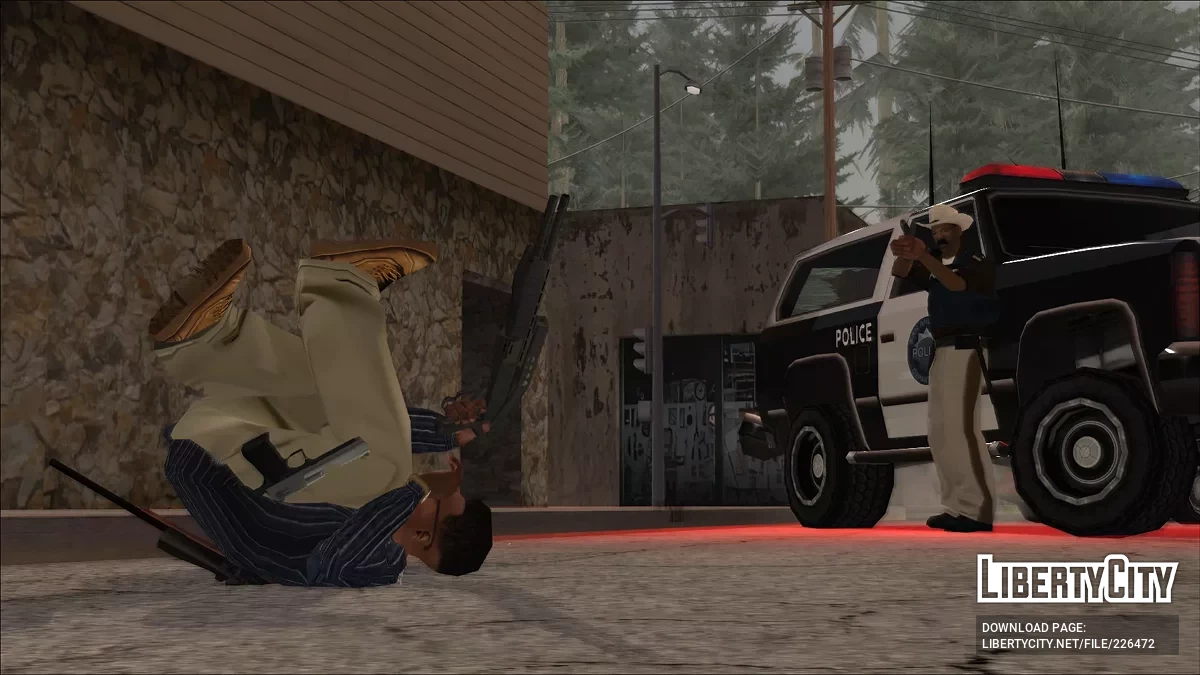
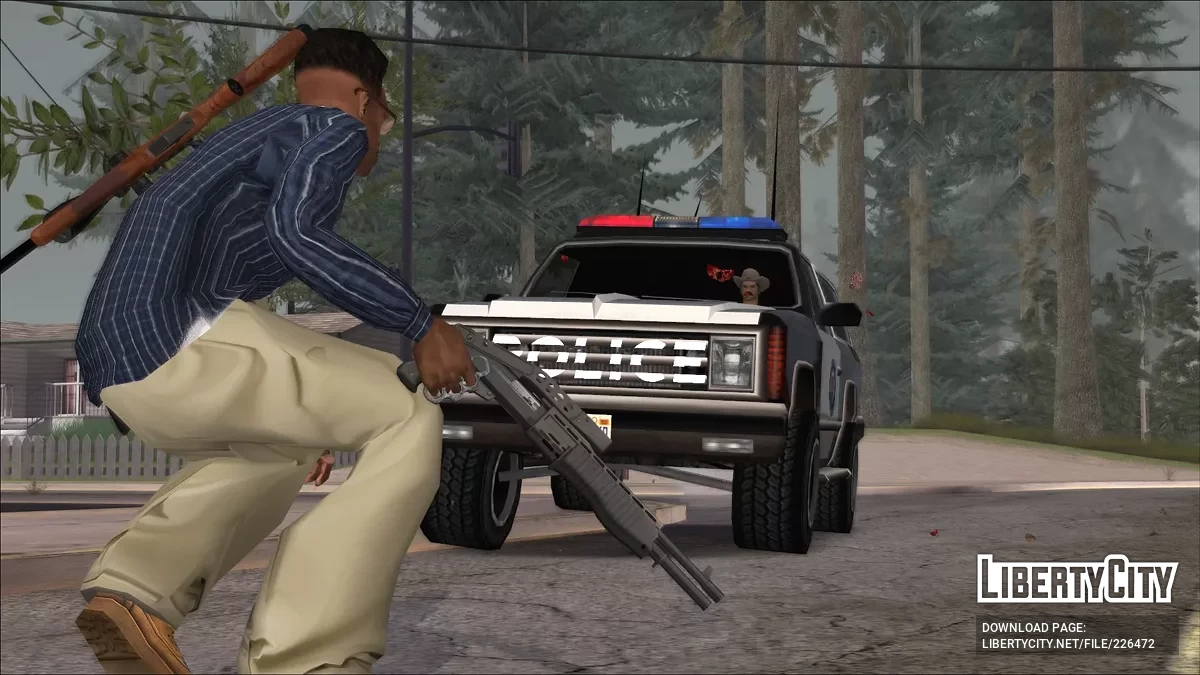
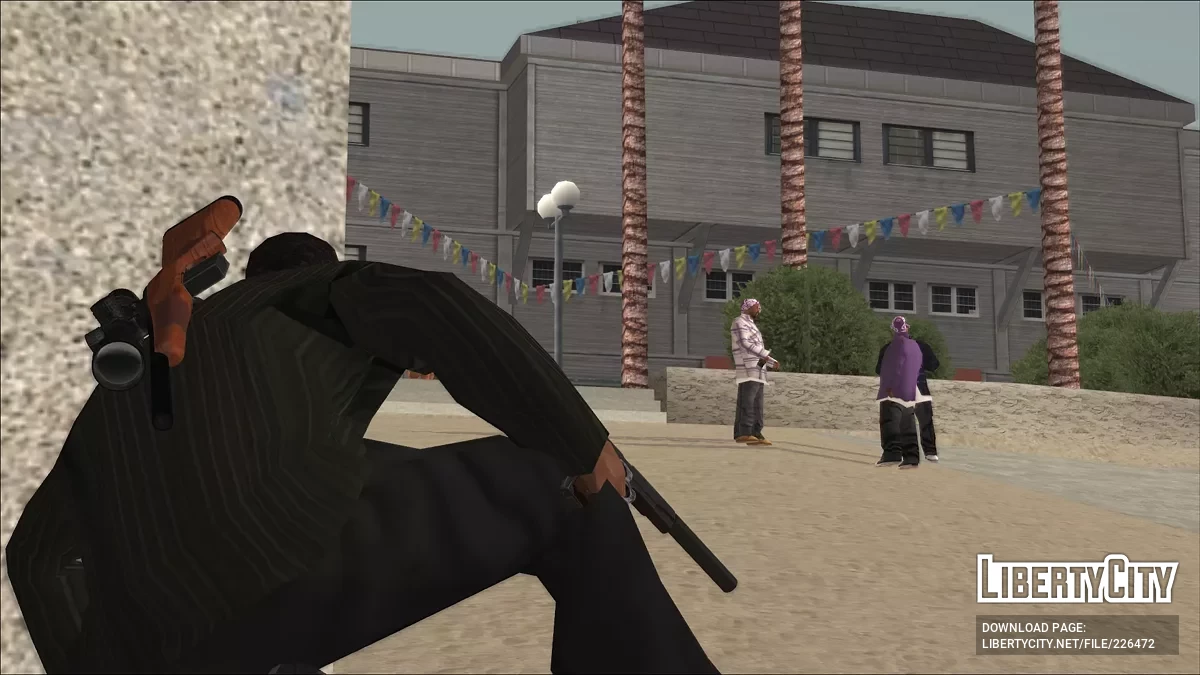
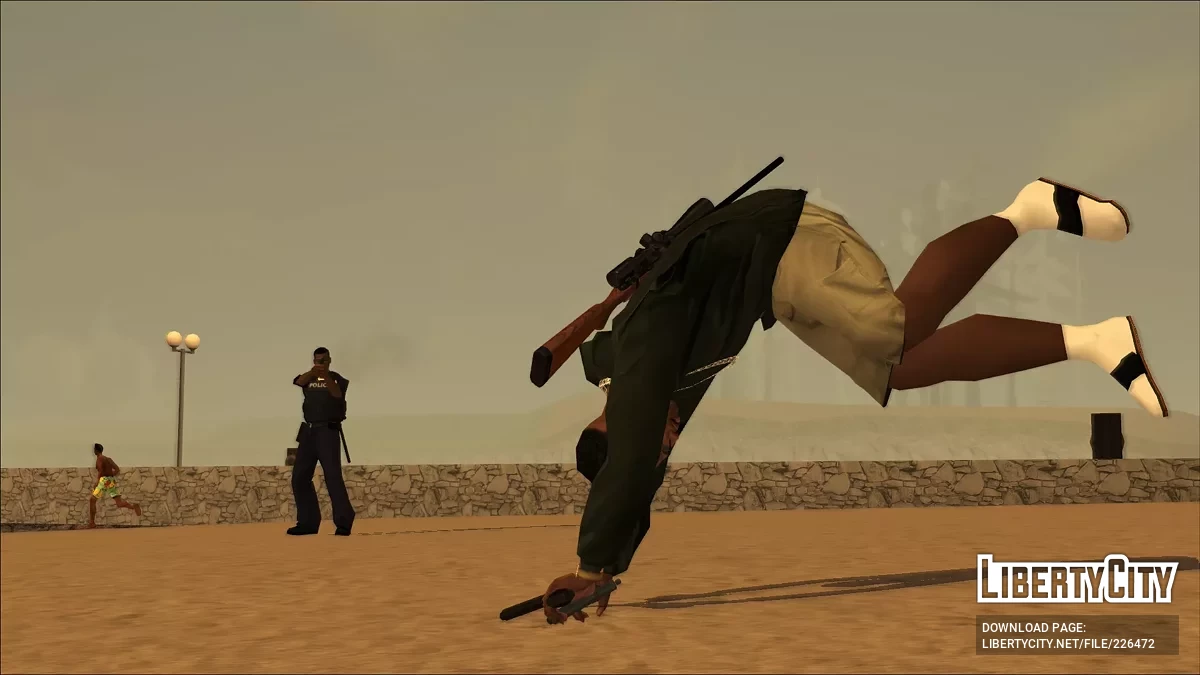
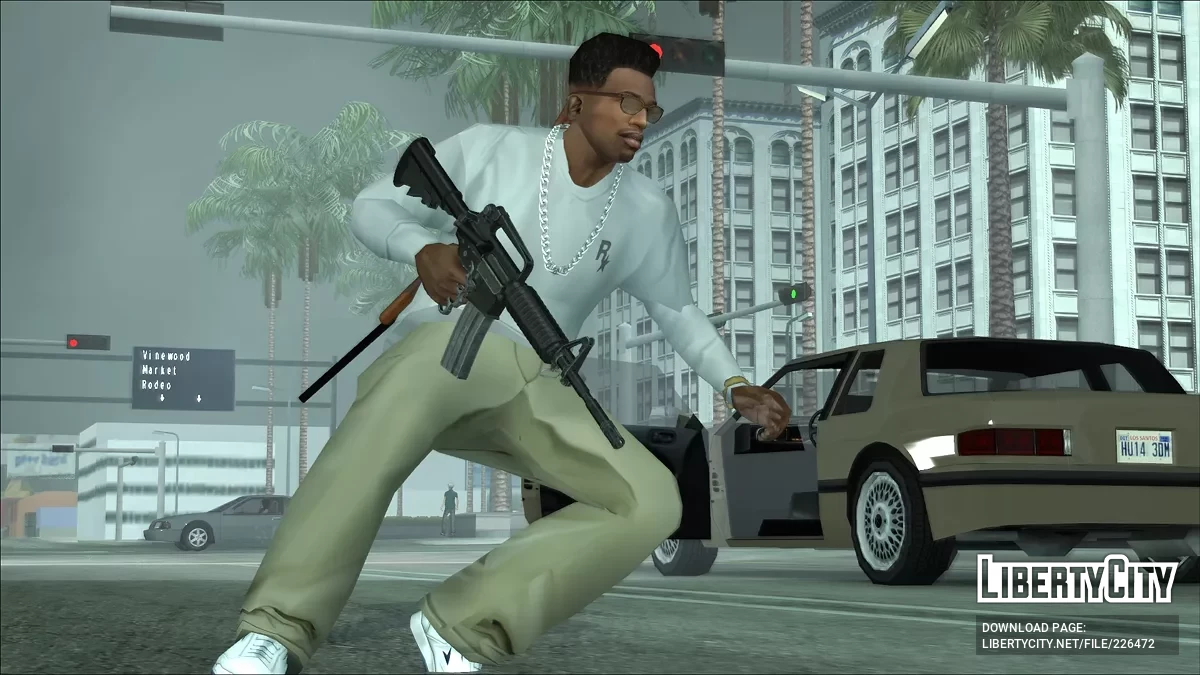
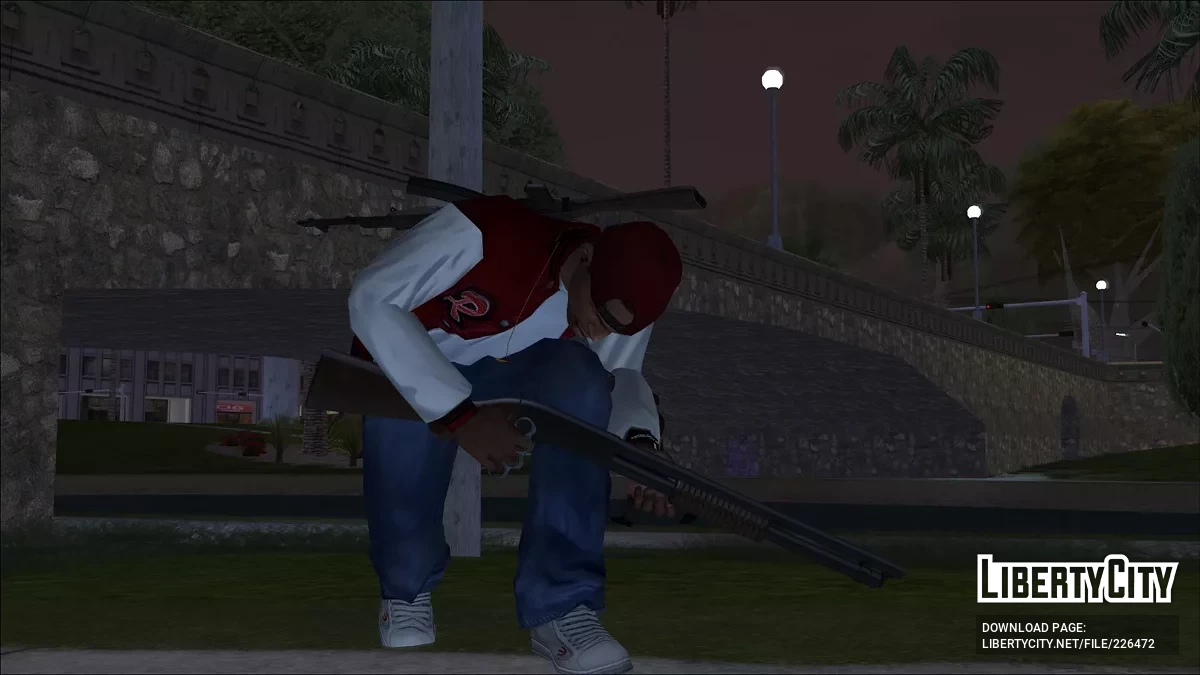
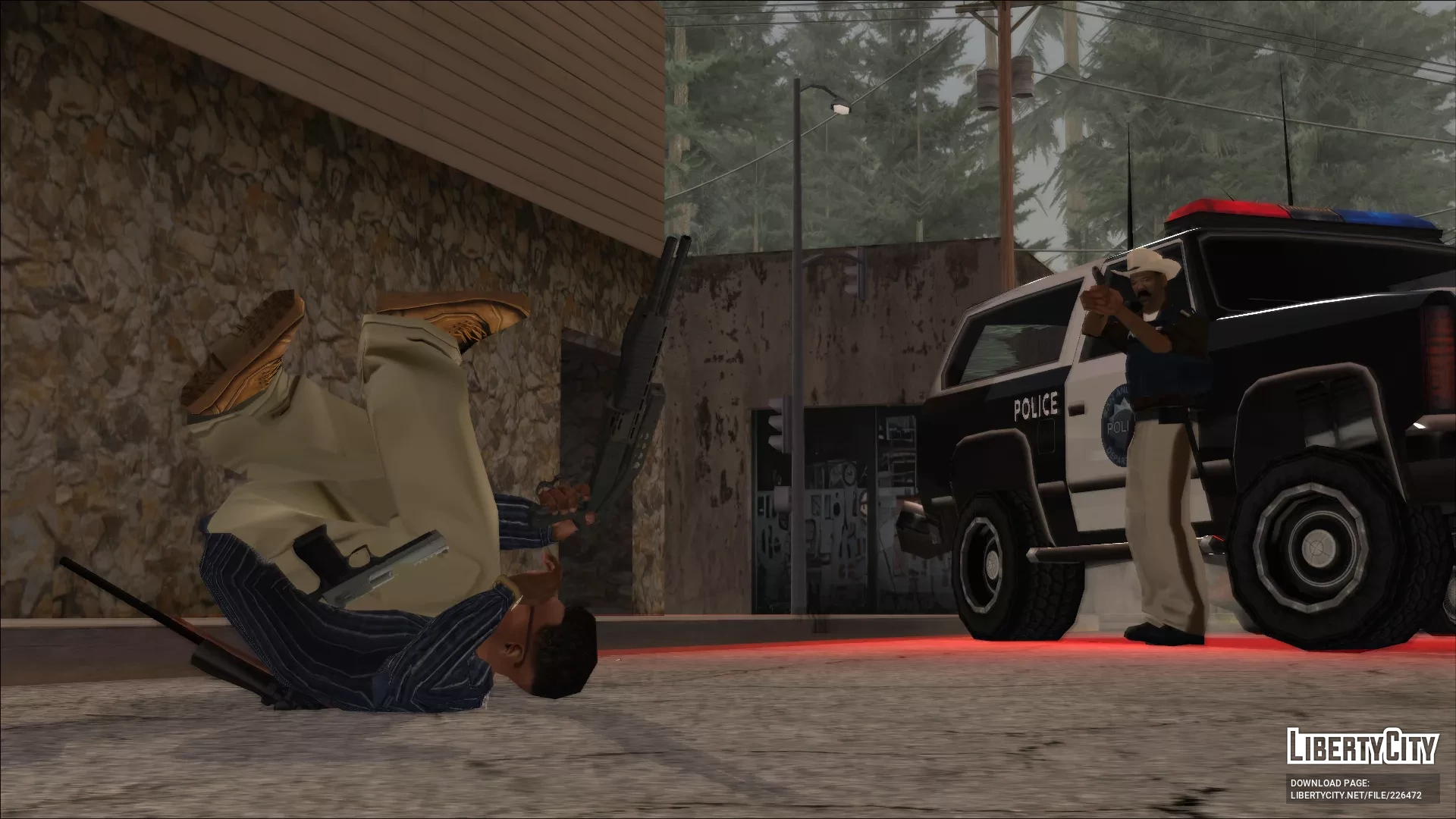
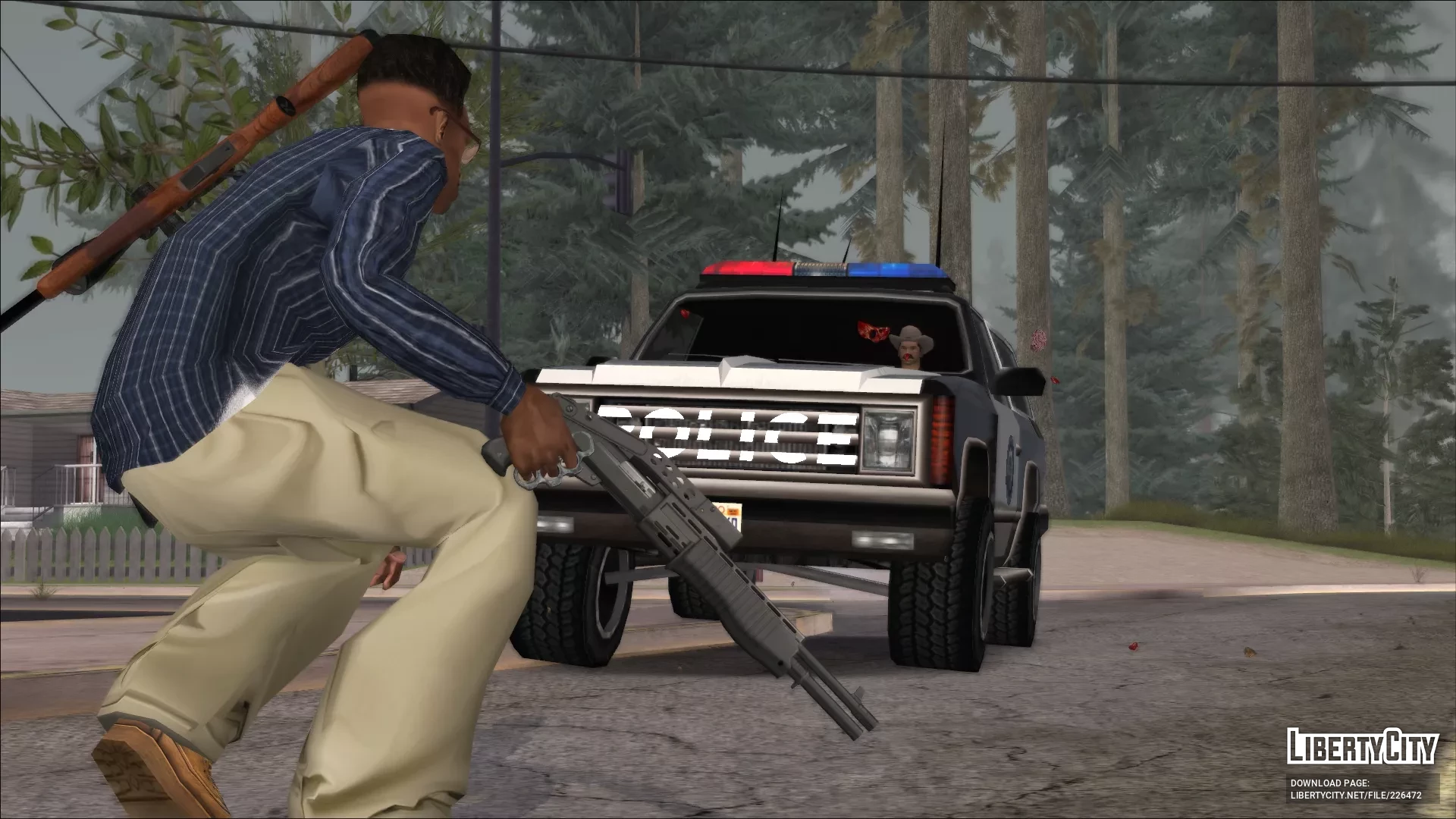
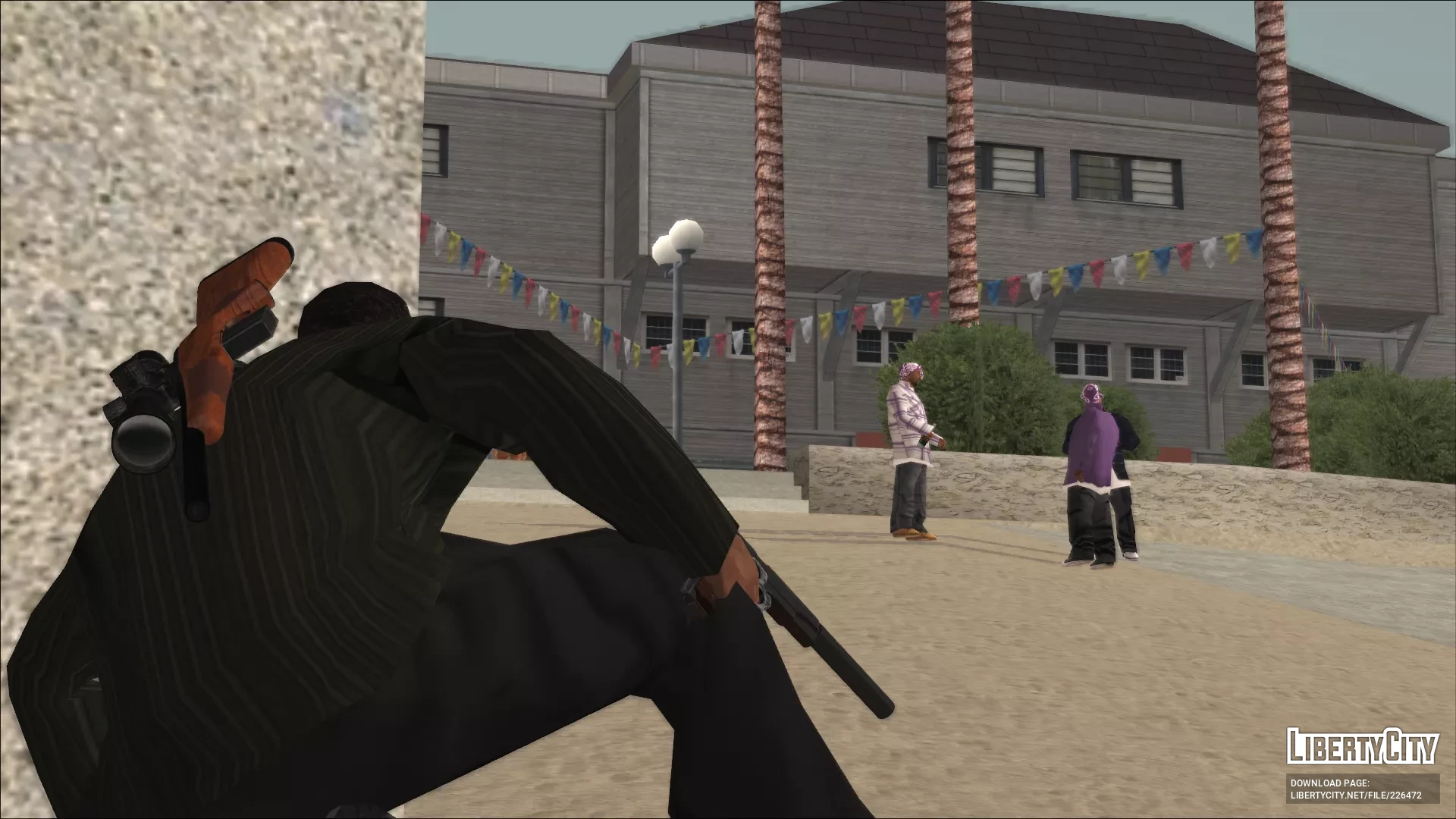
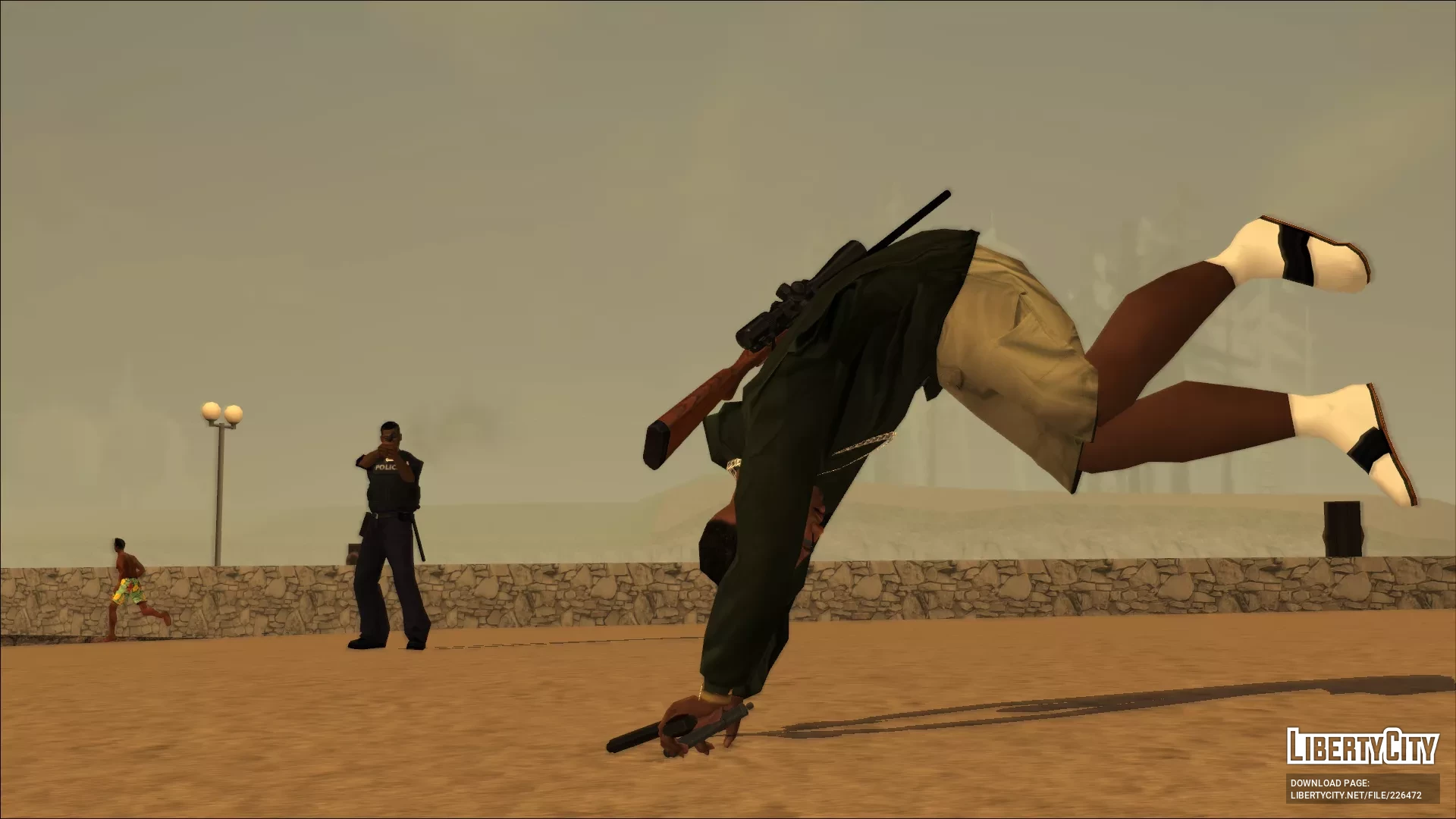
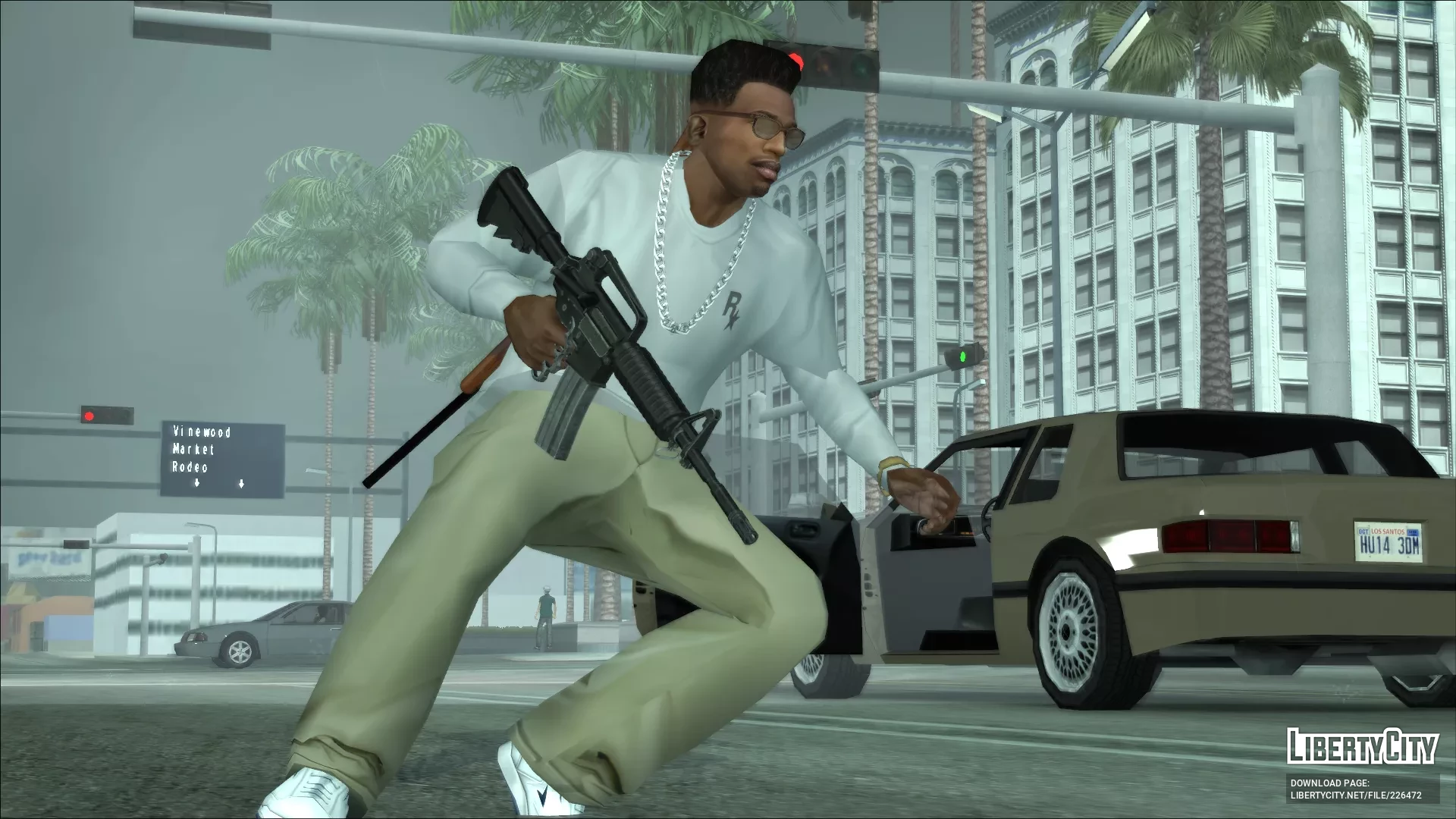
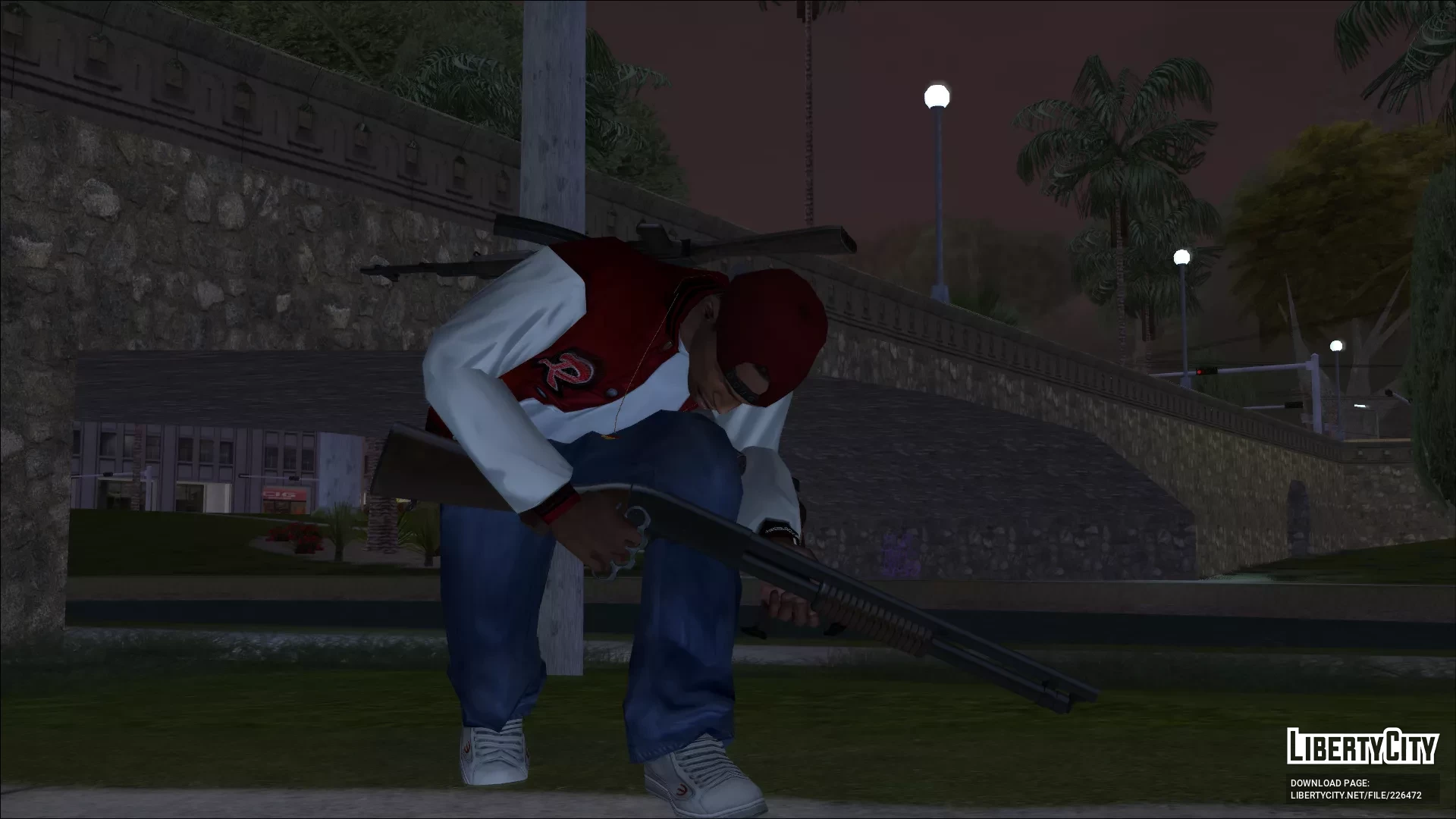
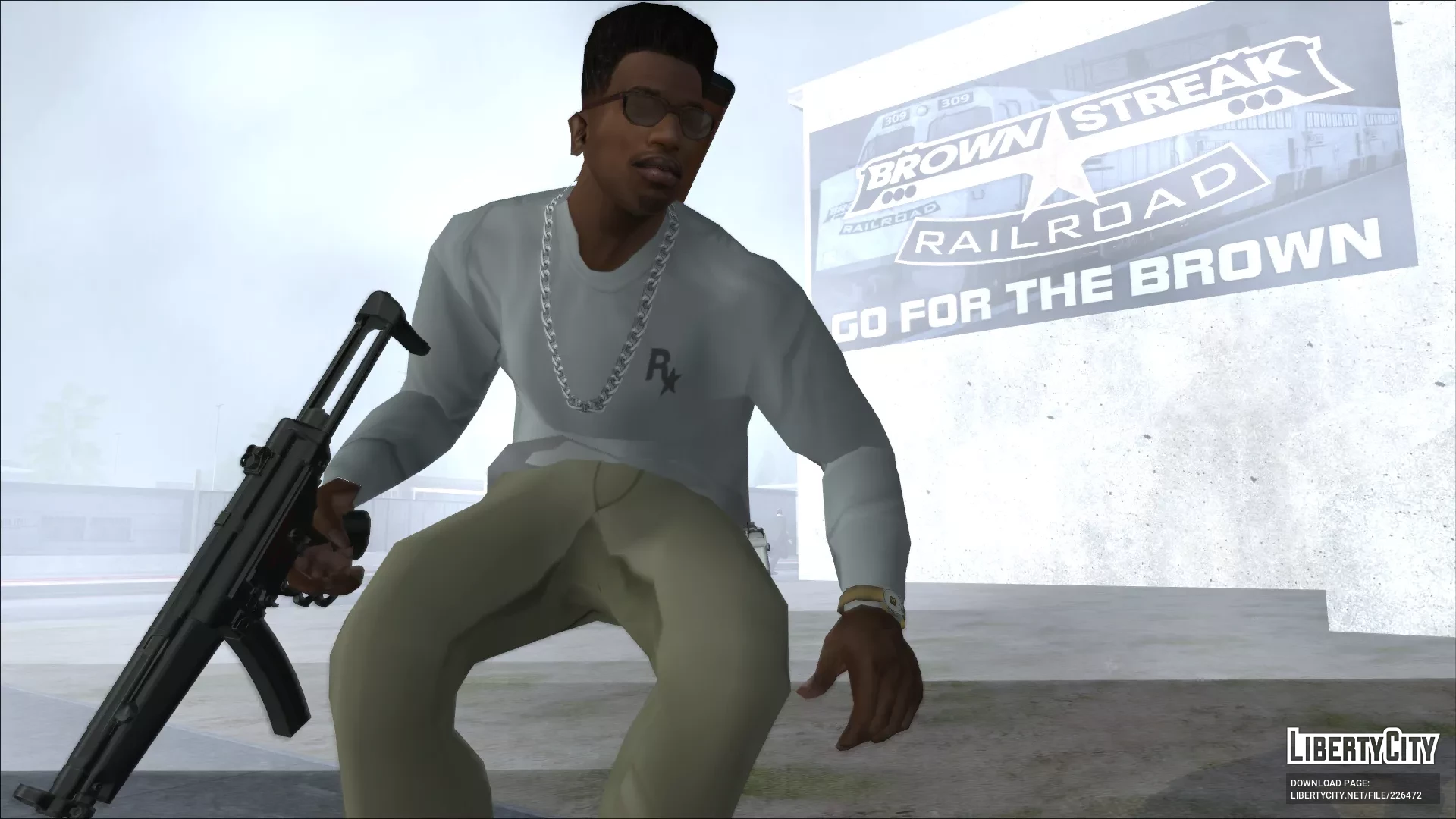
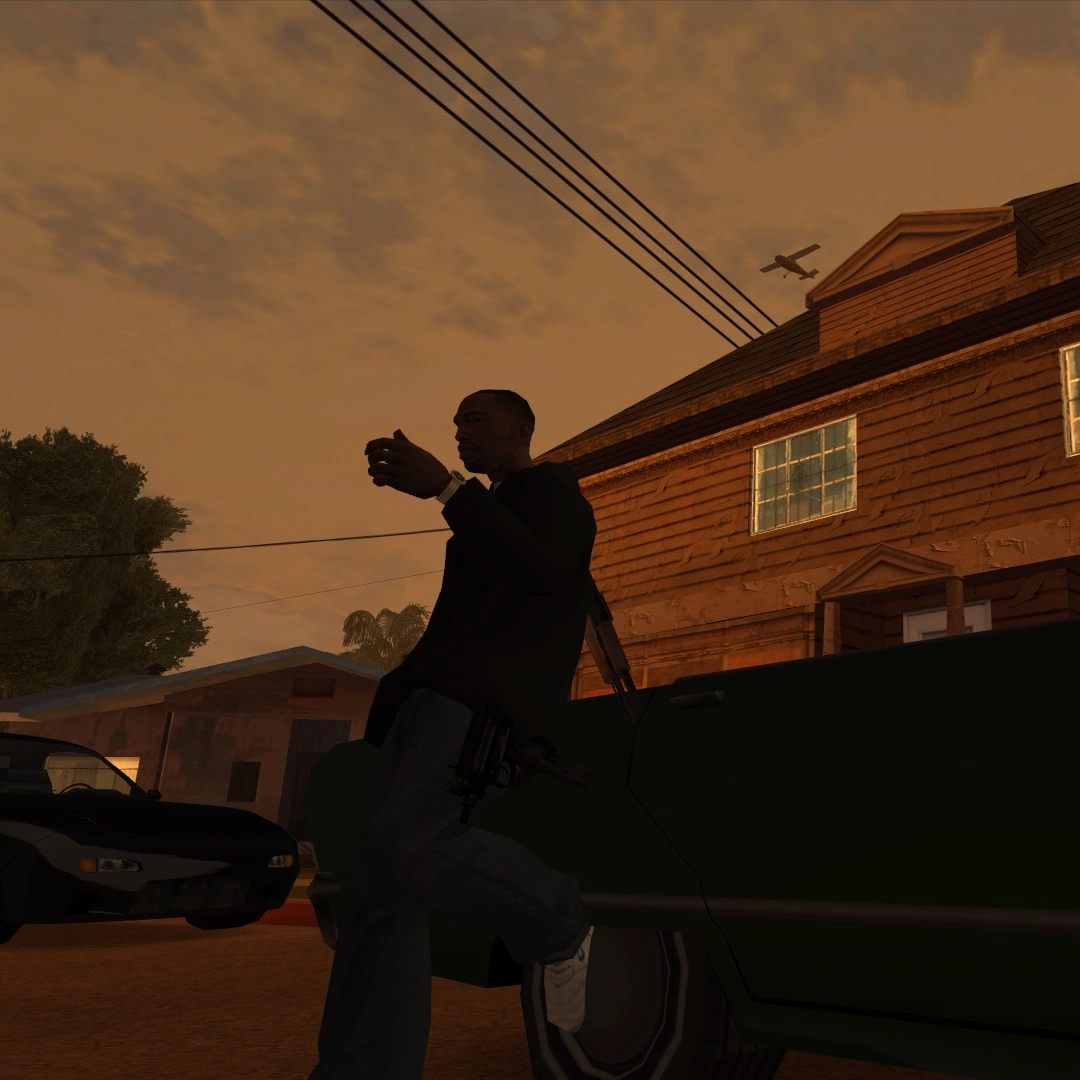
Пакет пользовательских анимаций, который я собрал и подготовил для собственного использования для мода V Style Rolling от Cleoude.
Требуется:
- V Style Rolling от Cleoude, ссылка доступна в README.
- CLEO 4.4 или новее.
- Modloader.
- Open Limit Adjuster
ОБНОВЛЕНИЕ 1.2 (24/01/2026)
Добавлены анимации «катания» из RE6 и «папка моих настроек».
ОБНОВЛЕНИЕ 1.1 (23/09/2025)
Заменены все анимации из файла Vrolling.ifp, ранее затрагивались только основные направления (вперед, влево, вправо и назад), новые боковые анимации взяты из обновления GTAV06 его порта анимации Re5. Обновлены только папки RE5 + IV и RE5 .
Установка:
- Сначала скачайте и установите оригинальный мод V Style Rolling от Celoude
(рекомендую установить версию с виртуальными клавишами). - Вернитесь к «Пользовательским анимациям VstyleRolling» и выберите одну из папок с анимациями на ваш выбор, либо смесь GTA V и IV, либо одну из анимаций RE5, я настоятельно рекомендую использовать RE5 + IV, она выглядит лучше всего.
После того как вы сделали свой выбор, просто перетащите папку «VstyleRolling» в modloader, где вы установили обычный VstyleRolling от Cleoude. - Наслаждайтесь!
Использование:
Чтобы использовать, это зависит от версии, которую вы установите, но в общем, чтобы катиться, вам нужно
Прицелиться + двигаться + Прыгать.
Если вы установите версию Key Game, она использует игровые клавиши.
Если вы установите версию Virtual Keys, она использует коды, представляющие клавиши, которые можно настроить в ini.
Мои настройки клавиш
Я включил «Мои настройки», которые предназначены для опции «виртуальные клавиши».
Прицел = 2 (Правая кнопка мыши)
Движение = 87,65,83,68 (WASD)
Прыжок = 16 (LShift)
Спринт = 32 (Пробел)
Отказ от ответственности: Ни одна из анимаций и сам мод не принадлежат мне, я просто собрал их здесь, вся заслуга принадлежит:
- Cleoude за создание мода V Style Rolling.
- Arturo Casasnovas, анимации бокового катания GTA V были взяты из его портов анимаций gta v.
- ArtemQa146, анимация фронтального катания IV была взята из его мода системы укрытий.
- GTAV06 (Боян Васильевич), анимации Resident Evil 5 и 6 были взяты из его портов анимаций RE5 и RE6 соответственно.
Демонстрация

Custom animation pack I gathered and put together for my own use for Cleoude's V Style Rolling mod.
Required:
- V Style Rolling by Cleoude, link can be found in the README.
- CLEO 4.4 or newer.
- Modloader.
- Open Limit Adjuster
UPDATE 1.2 (24/01/2026)
Added the RE6 "rolling" animations and a "my settings folder".
UPDATE 1.1 (23/09/2025)
Replaced all the animations from the Vrolling.ifp file, before only the main directions (front, left, right and back) were affected, the new lateral animations are from GTAV06's update to his Re5 animation port. Only RE5 + IV and RE5 folders were updated.
Installation:
- First download and install the original V style Rolling mod by Celoude
(I recommend installing the virtual Keys version). - go back to "VstyleRolling Custom Animations" and select one of the folders with the animations of your choosing, either the GTA V & IV mix, or one of the RE5 anims, I highly recommend using the RE5 + IV one, I think it looks best.
Once you have made your choice, just drag and drop the "VstyleRolling" Folder into modloader where you have installed the regular VstyleRolling by cleoude. - Enjoy!
Usage:
To use it, it depends on the version you install, but generally to roll all you need to do is
Aim + move + Jump.
If you install the Key Game version, it uses the in game keybinds.
If you install the Virtual Keys version, it uses codes that represent the keys, which can be customized in the ini.
My settings keybinds
I included "My settings" which are for the "virtual Keys" option.
Aim = 2 (Right click Mouse)
Move = 87,65,83,68 (WASD)
Jump = 16 (LShift)
Sprint = 32 (Space)
Disclaimer: None of the animations nor the mod itself are of my property, I just put them together here, all credit goes to:
- Cleoude, for making the V Style Rolling mod.
- Arturo Casasnovas, the GTA V side rolling were taken from his gta v's animation ports.
- ArtemQa146, the IV front roll animation was taken from his cover system mod.
- GTAV06 (Bojan Vasiljevic), the Resident Evil 5 and 6 animations were taken from his RE5 and RE6 animations port respectively.
Showcase