


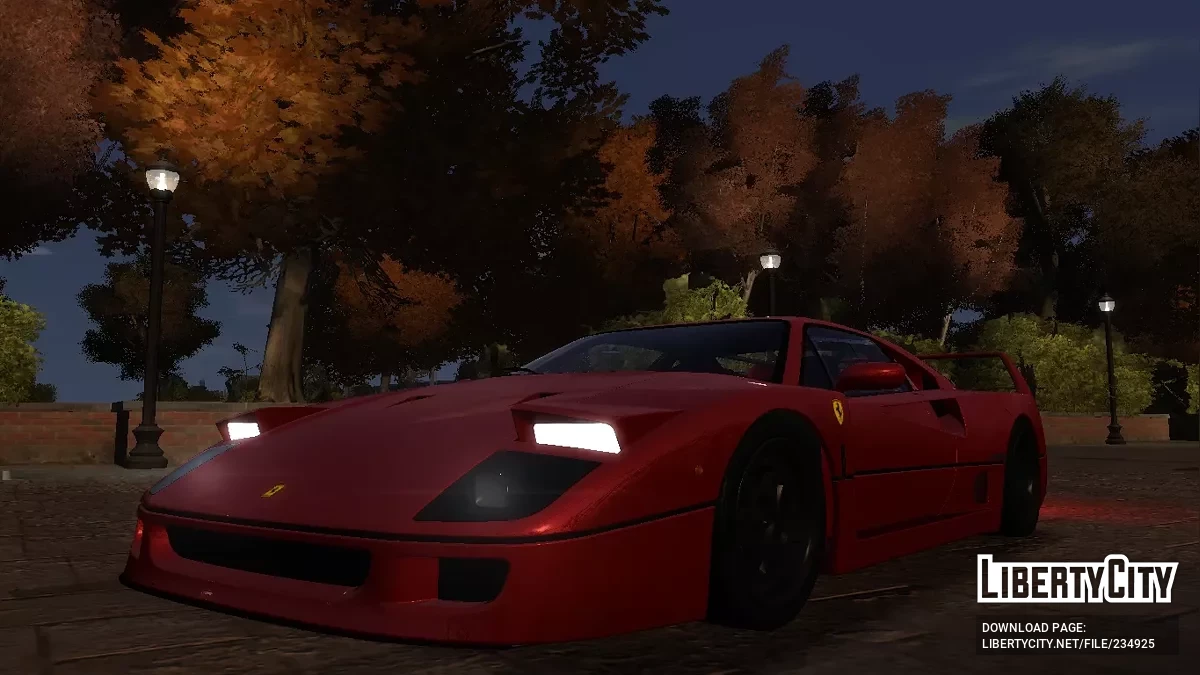
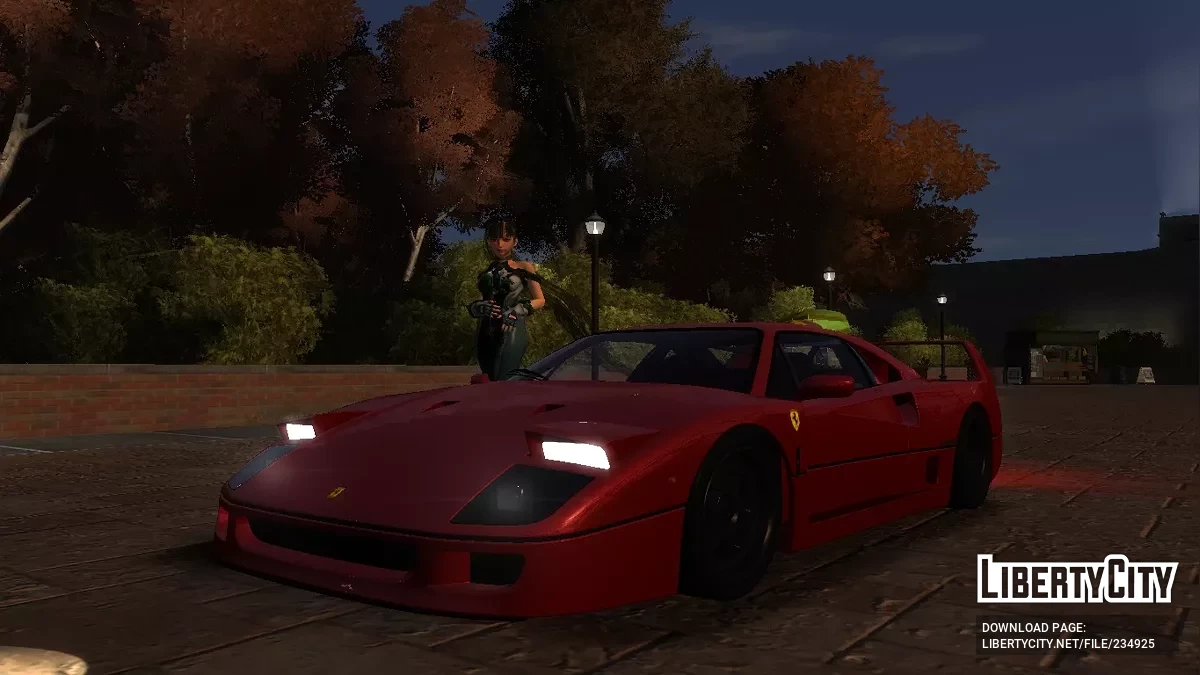
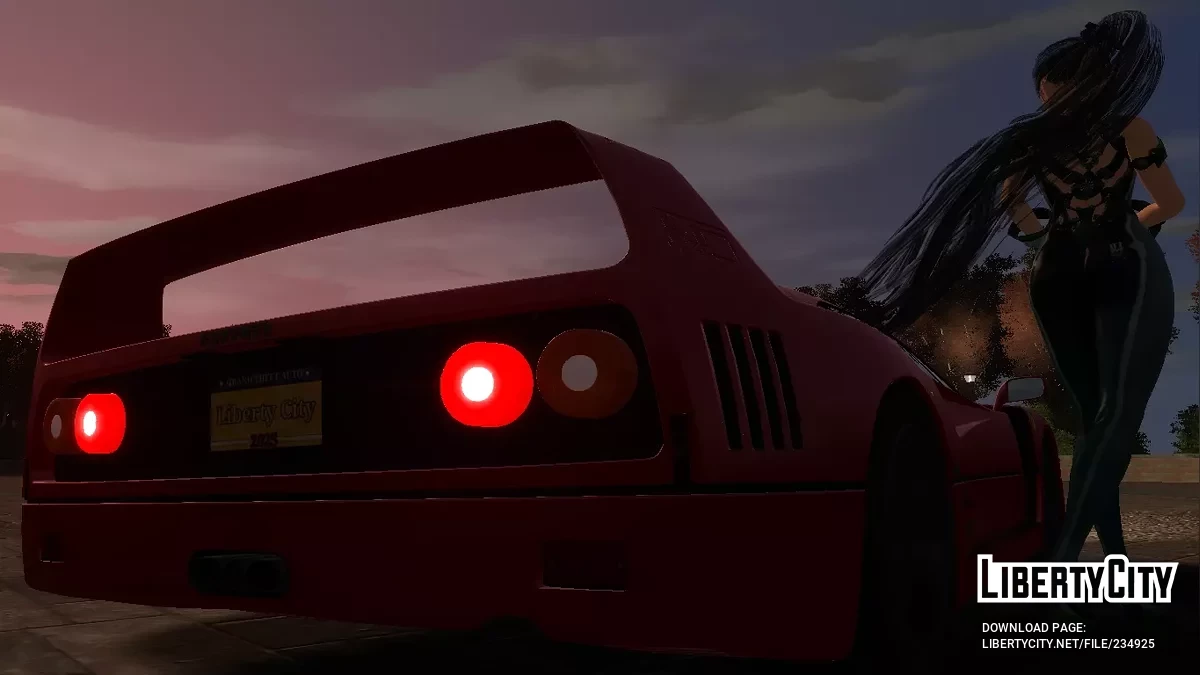
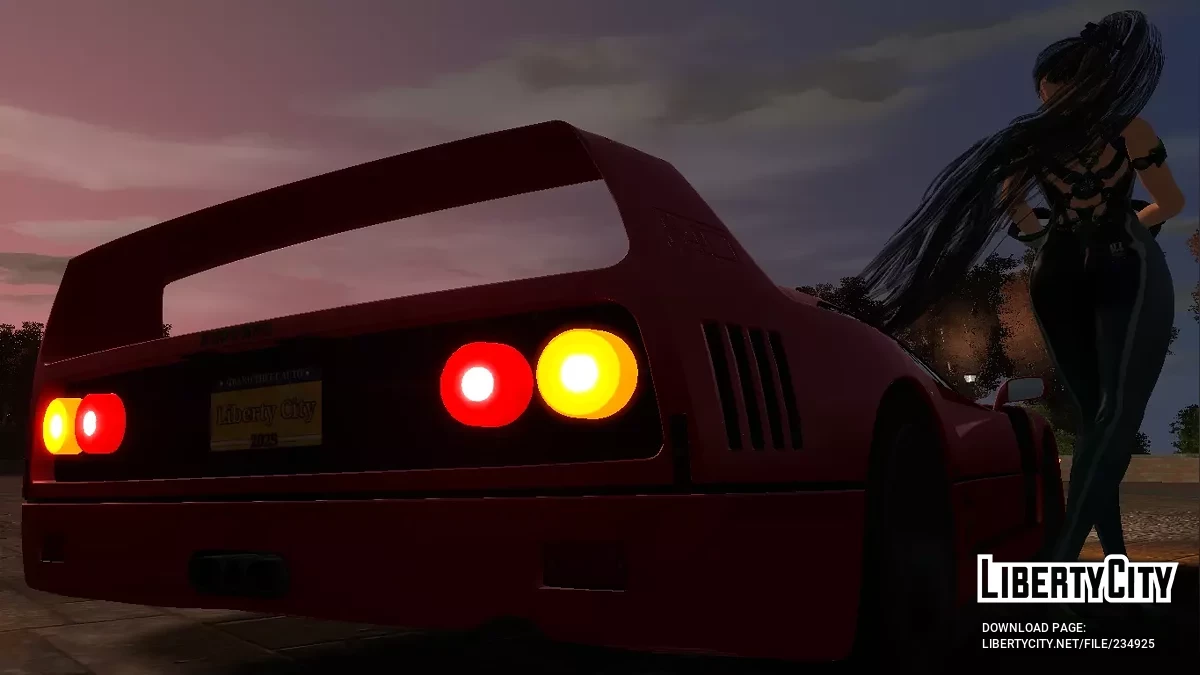
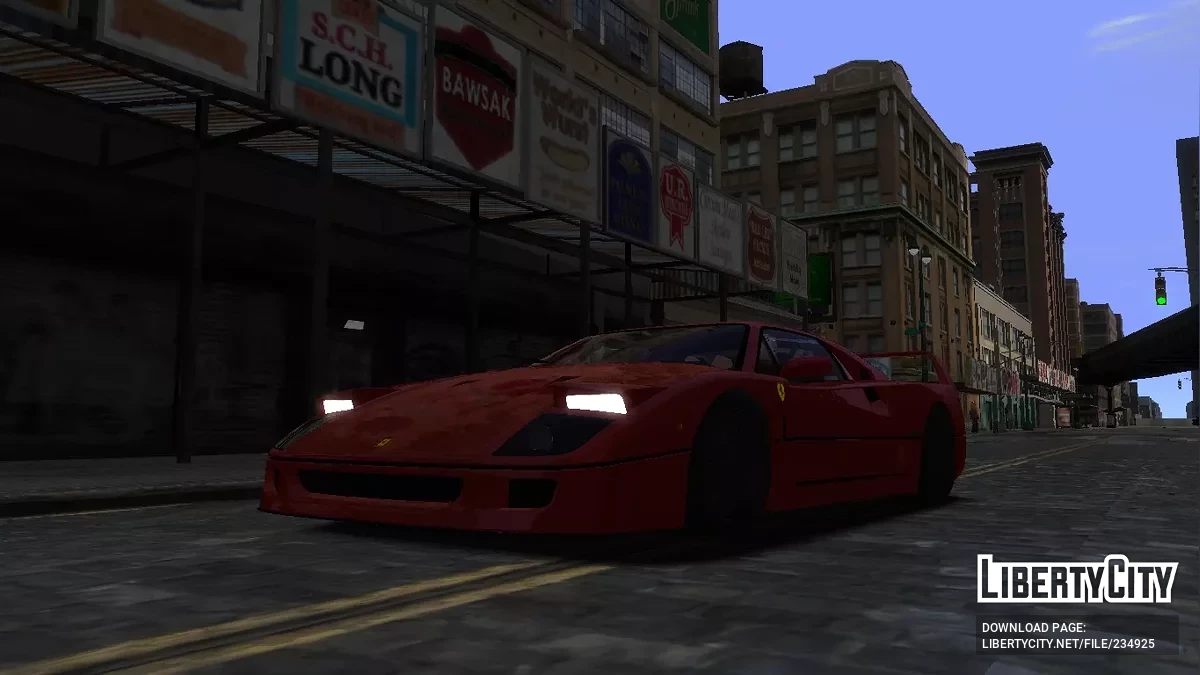
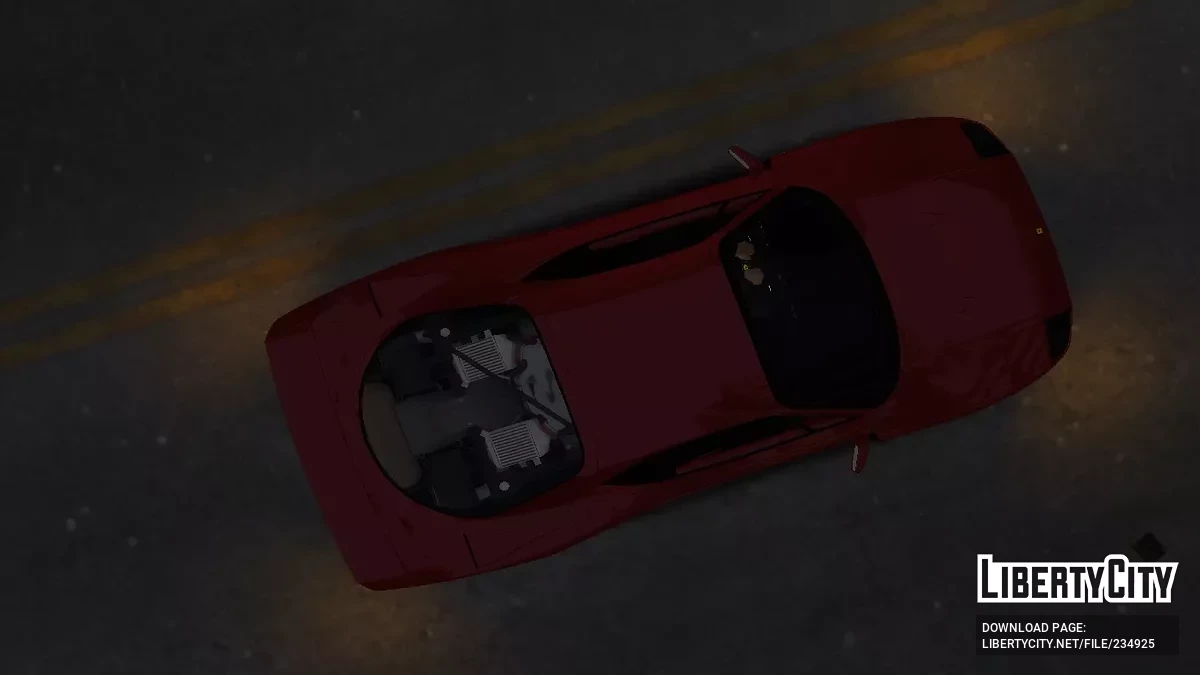
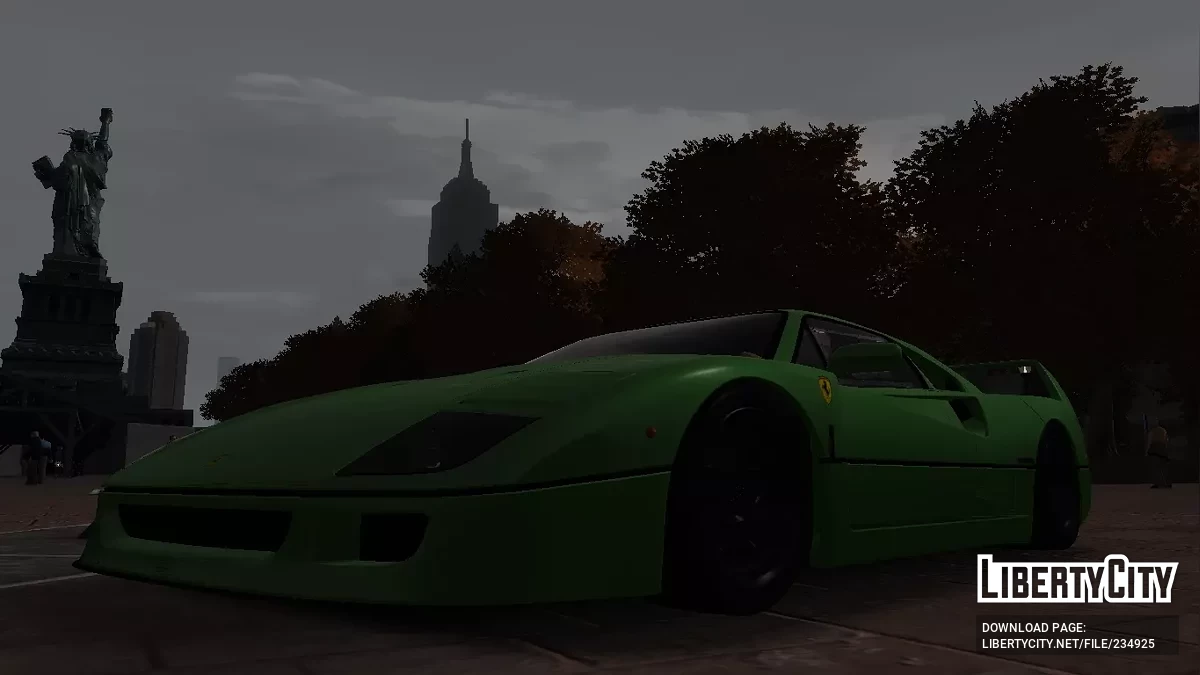
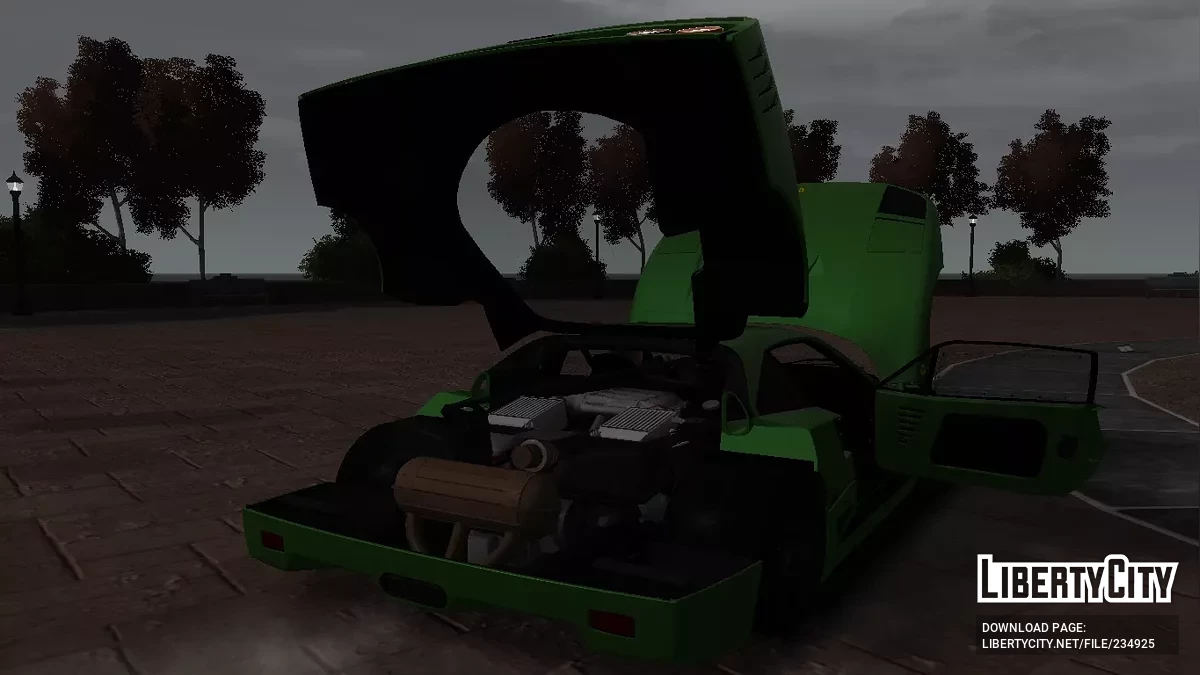
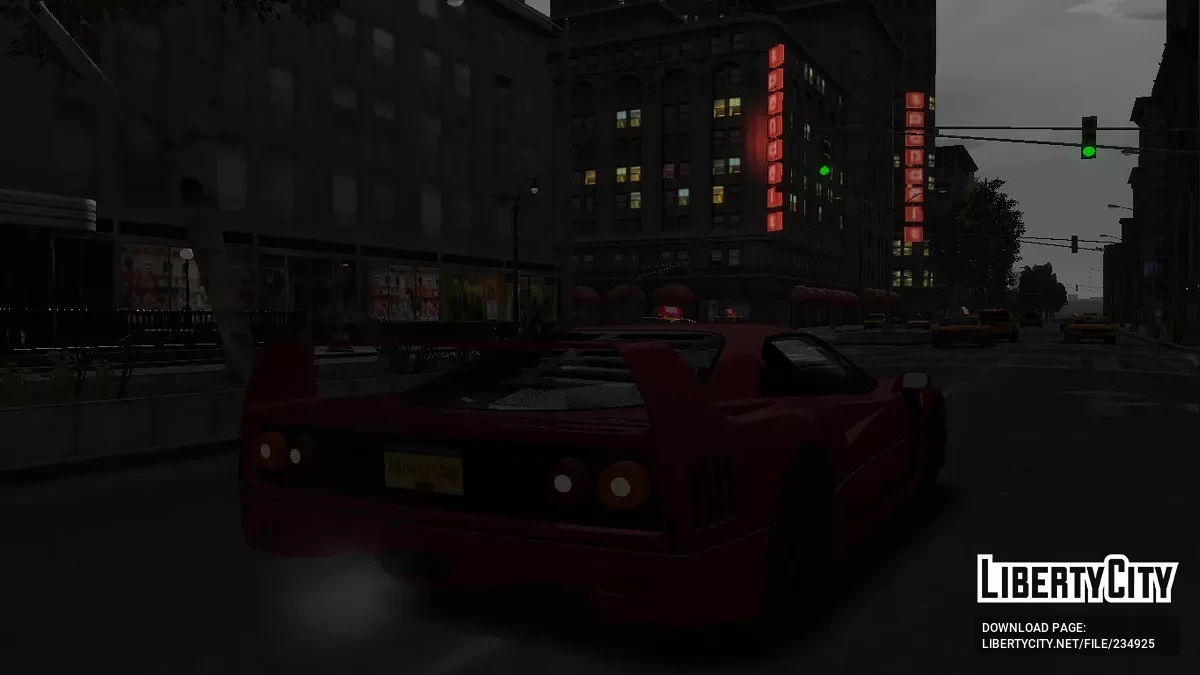
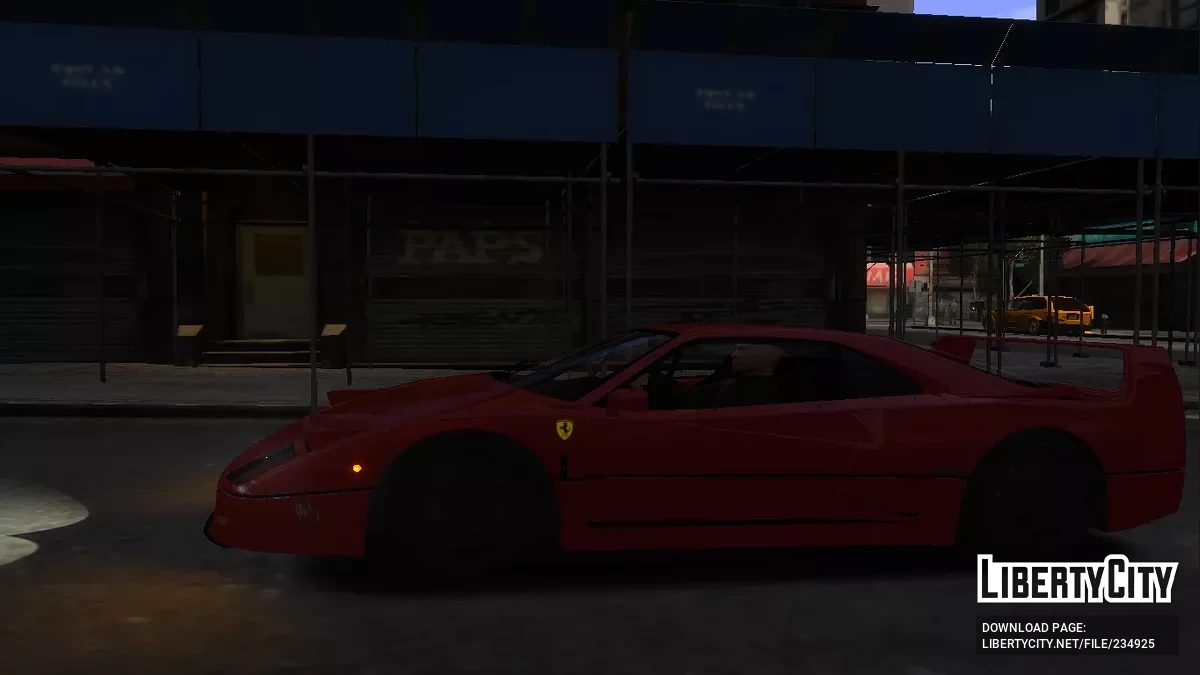
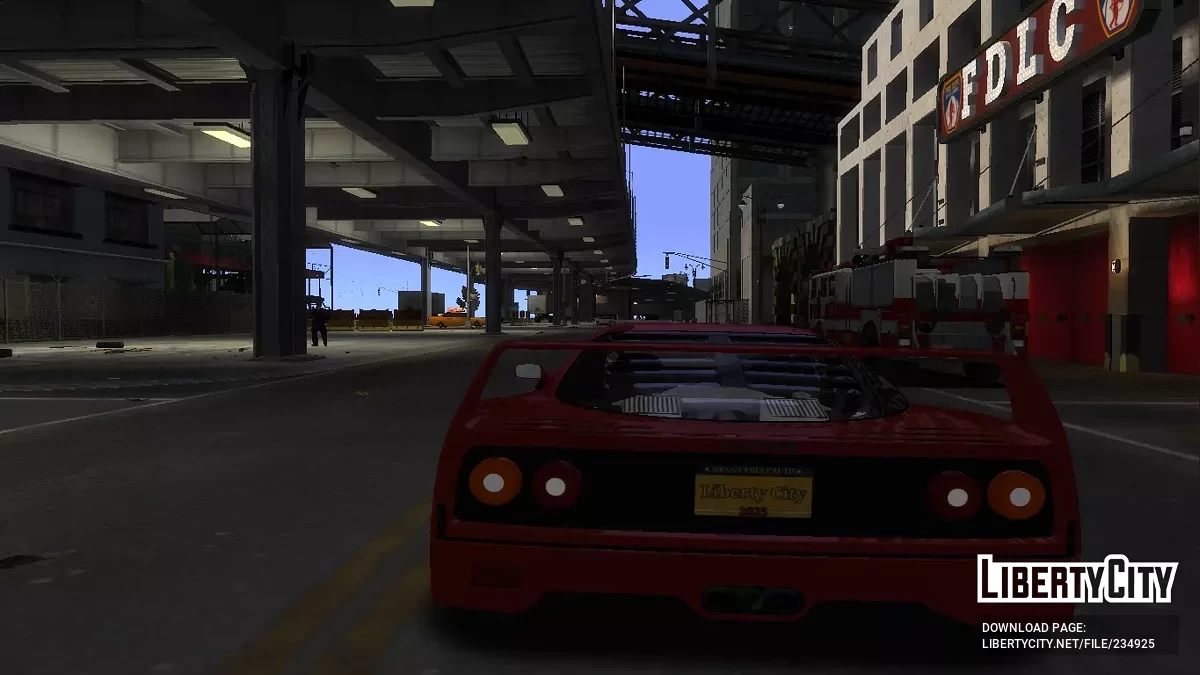
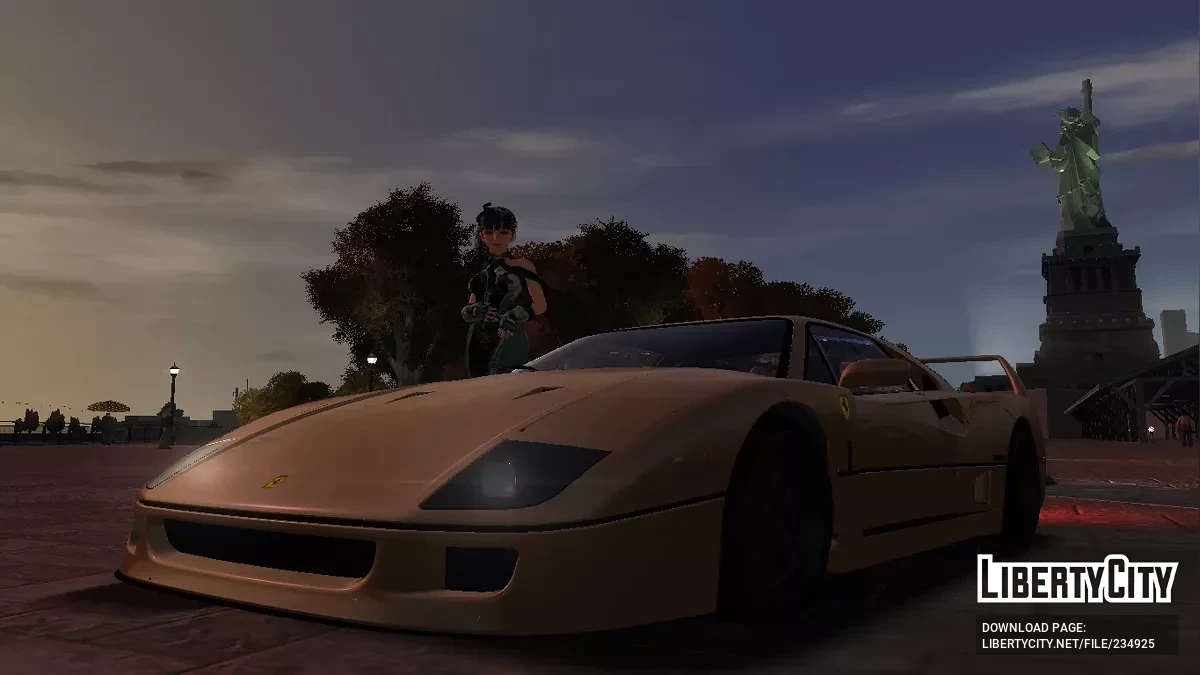
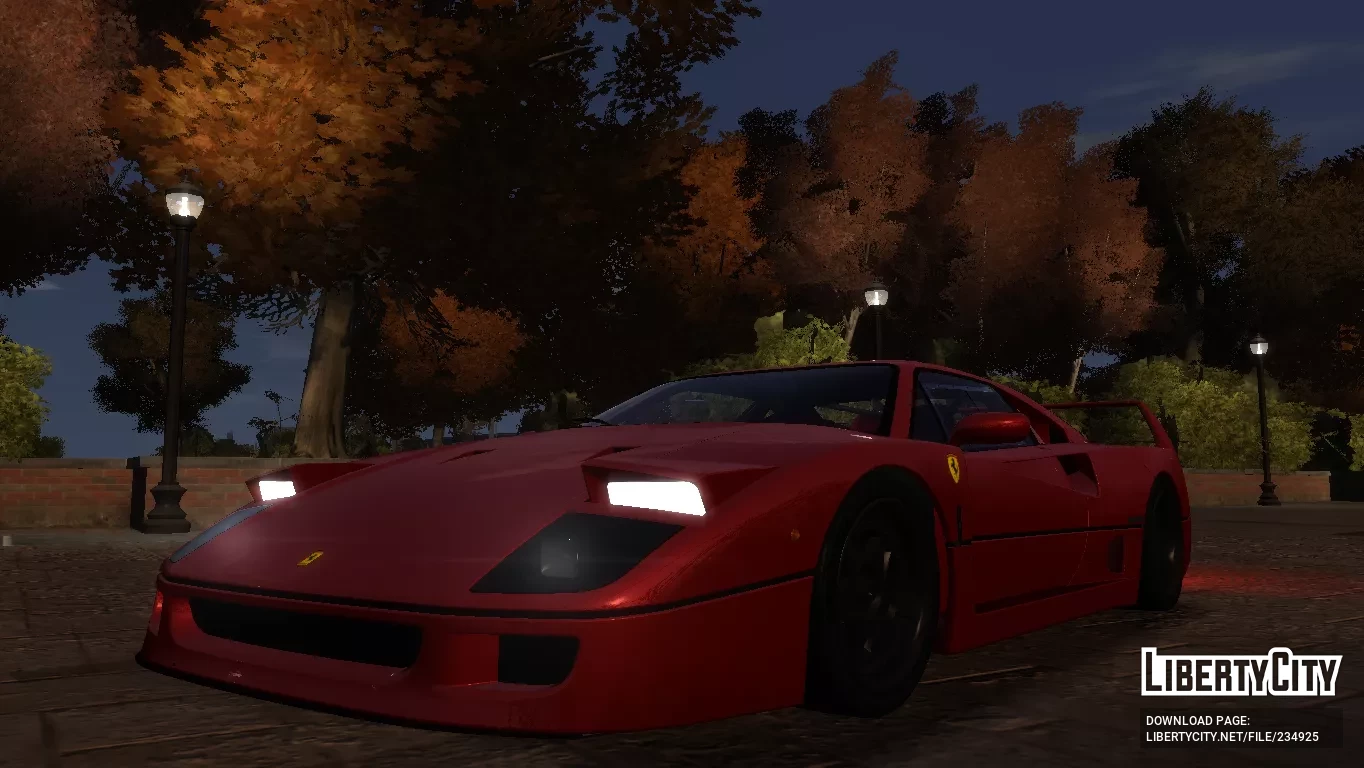
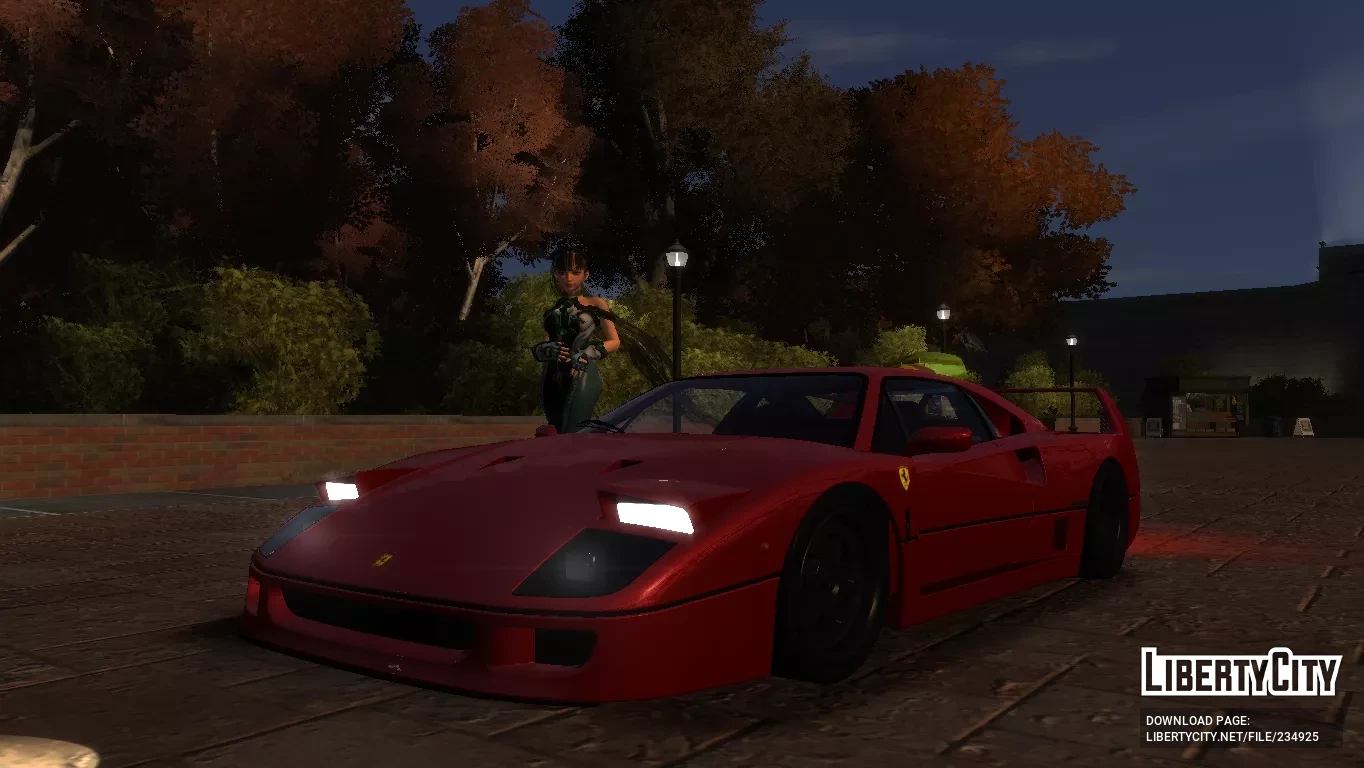
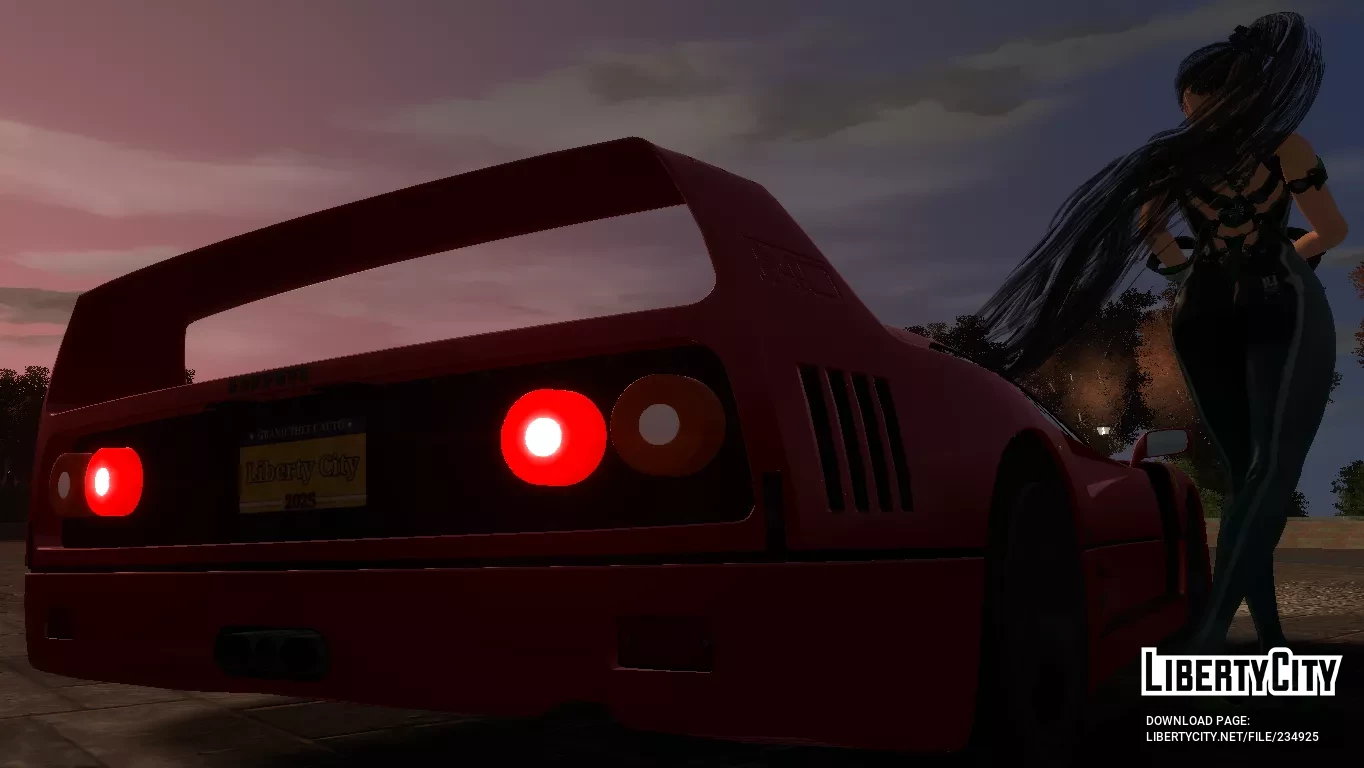
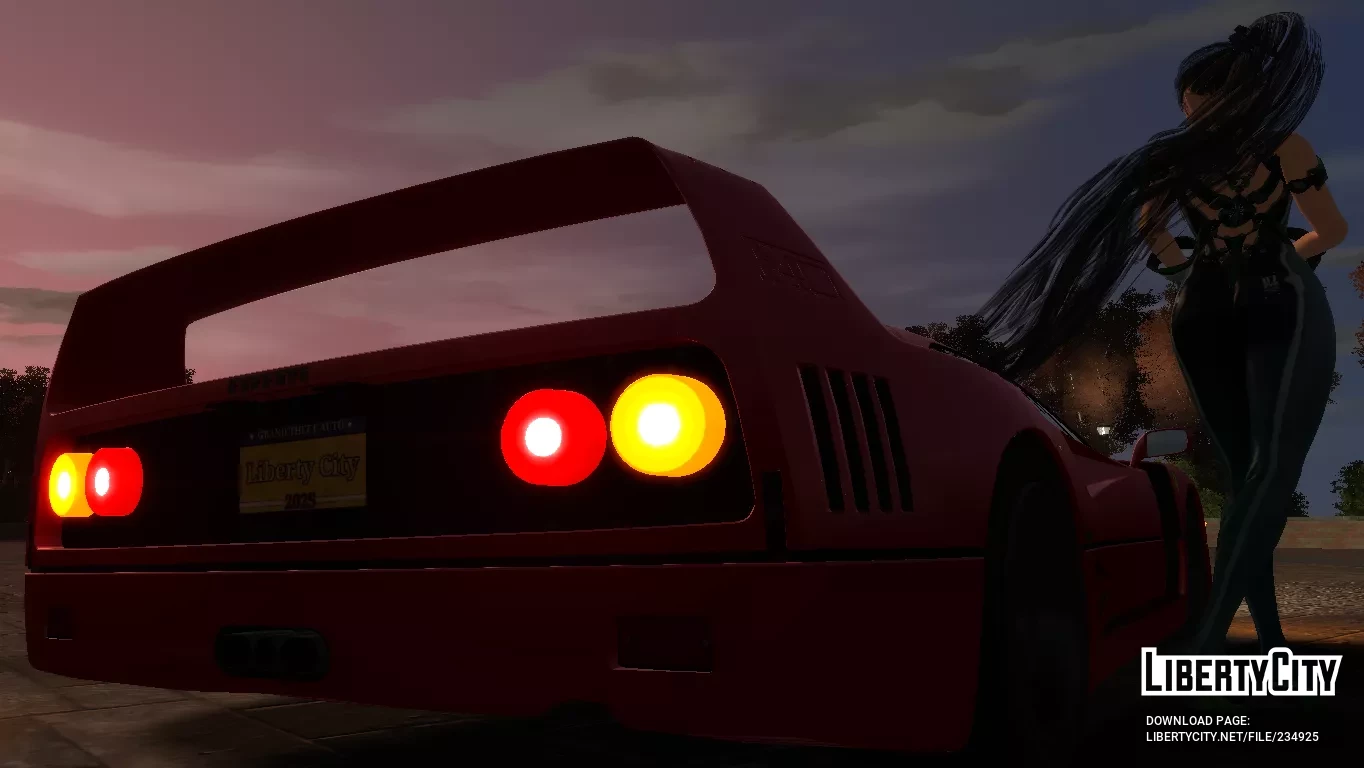
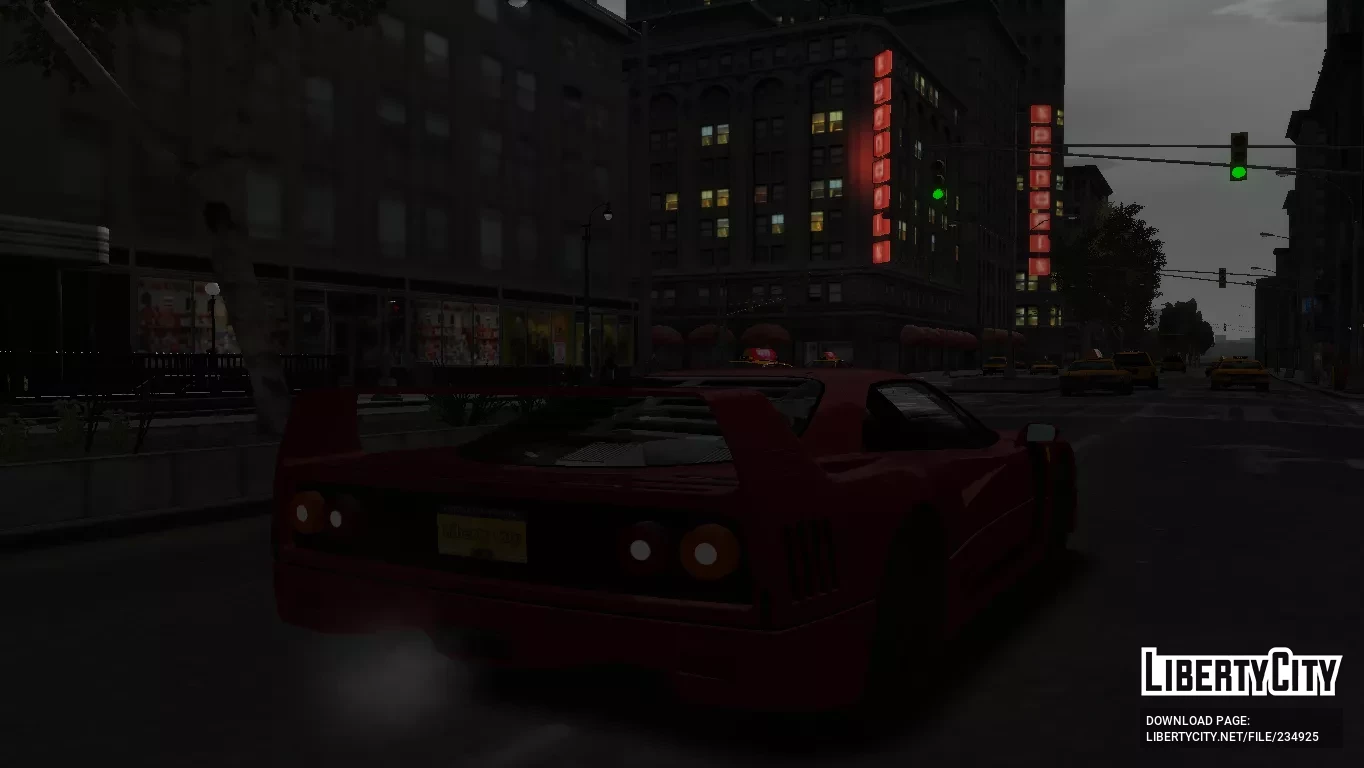
Феррари F40
- ⚠️ Наблюдаются проблемы с доступностью файловых серверов с территории РФ. Если файлы не скачиваются, воспользуйтесь кнопкой "Скачать в Telegram" или используйте VPN
-
Скачать (10.78 MB)20 февраля 2026ferrari-f40_1771601679_133977.7z
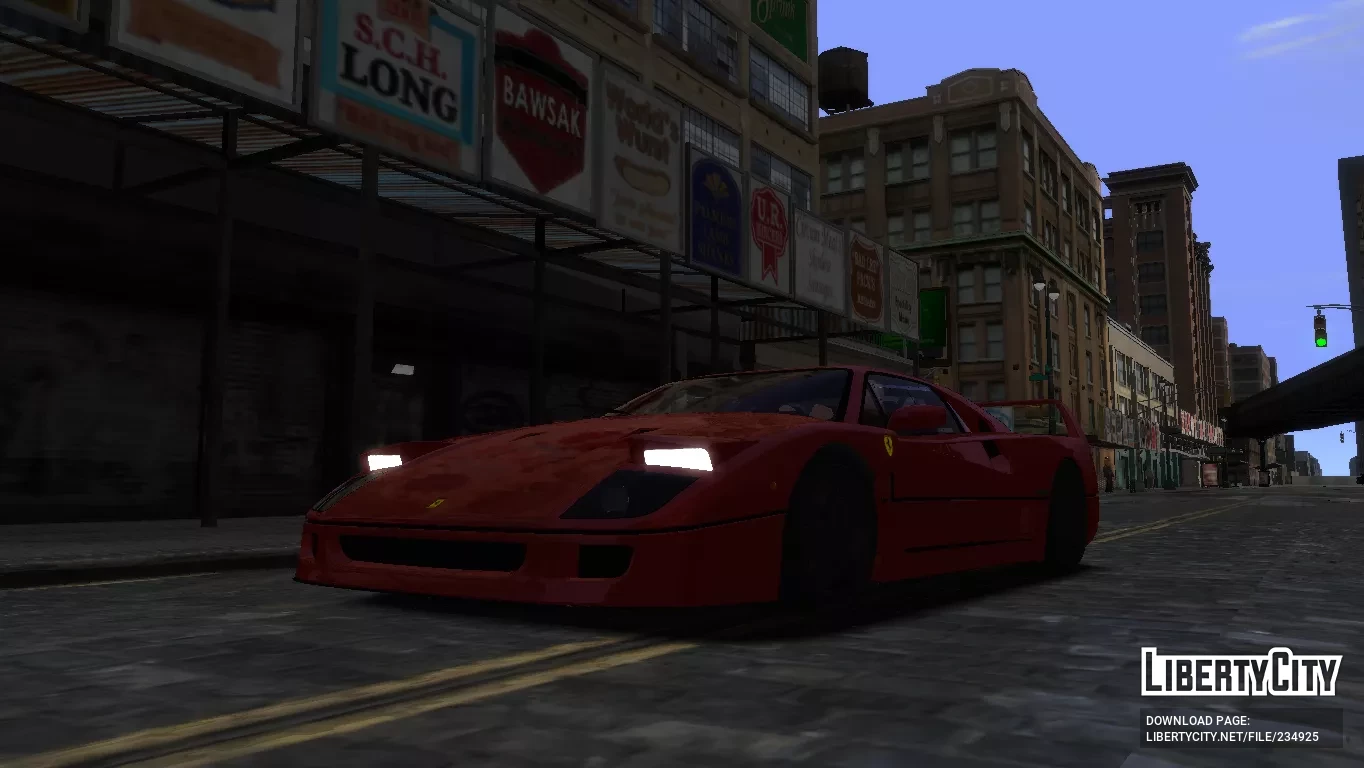
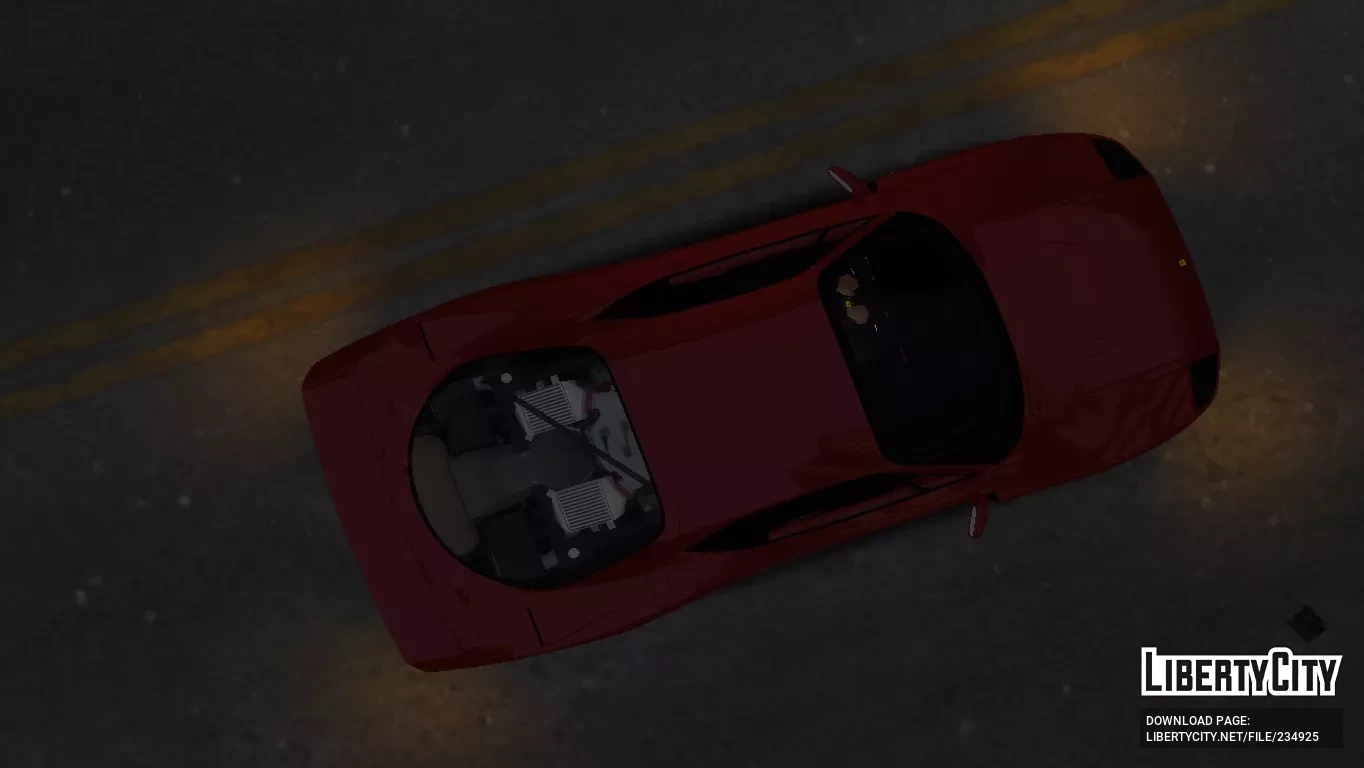
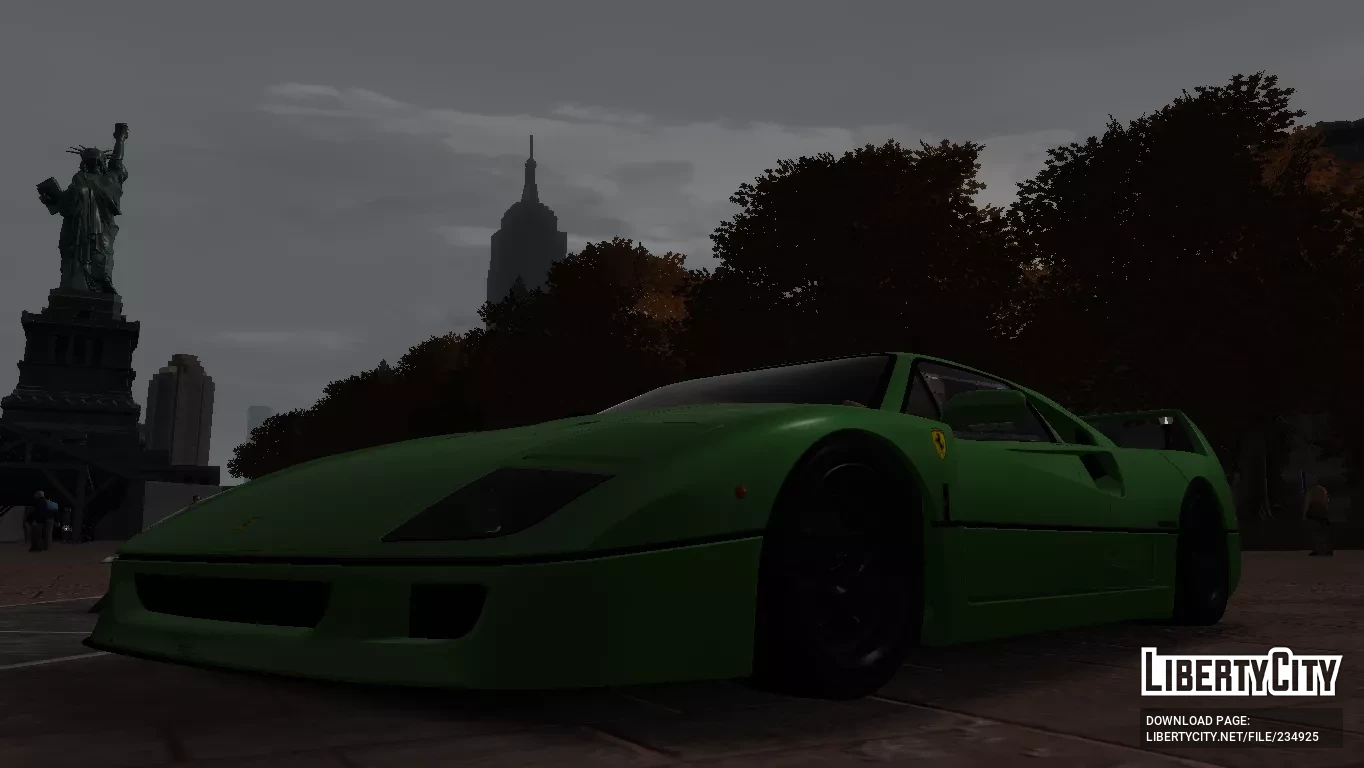
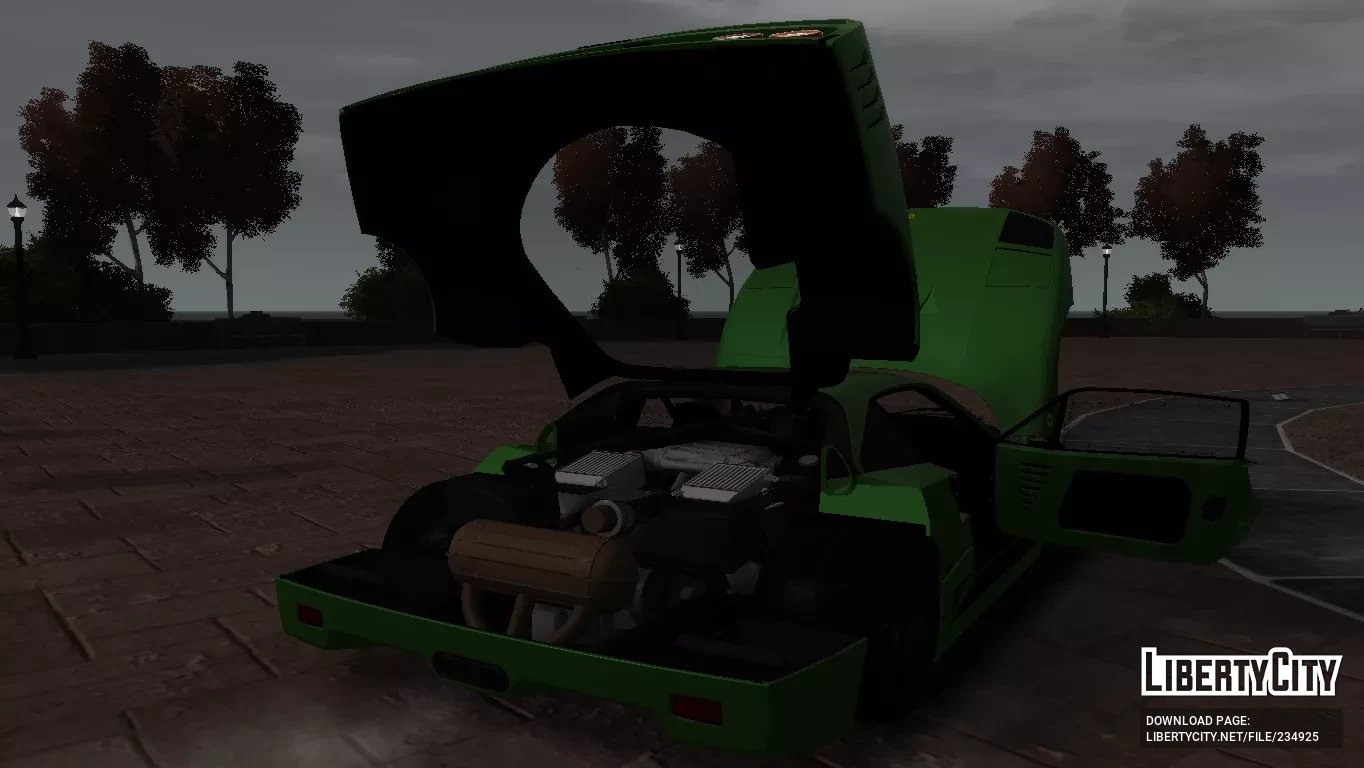
Феррари F40 (Тип F120) — это спортивный автомобиль с задним приводом и расположенным посередине двигателем, разработанный «Николой Матерацци» с дизайном от Pininfarina.
Он производился с 1987 по 1993 год, а версии LM, Competizione и GTE продолжали выпускаться с 1994 по 1996 год соответственно.
Как преемник 288 GTO, он был создан в честь 40-летия Ferrari и стал последним автомобилем Ferrari, который лично одобрил Энцо Феррари.
На тот момент это был самый быстрый, мощный и дорогой автомобиль Ferrari, доступный для продажи.
ОСОБЕННОСТИ:
-Модели и текстуры высокого качества.
-Поддерживает все основные функции игры.
-Улучшенное управление для нового автомобиля.
ИНСТРУКЦИИ ПО УСТАНОВКЕ:
-С помощью Open IV найдите папку установки игры и перейдите в «pc/models/cdimages/(vehicles.img)».
-Включите режим редактирования в подменю Файл, затем откройте «vehicles.img», чтобы заменить «Coquette.wft и Coquette.wtd».
-Перейдите в папку data и откройте файлы «Handling.dat и Vehicles.ide», используйте «Блокнот», чтобы заменить строки конфигурации.
-Запустите игру и наслаждайтесь своим новым автомобилем!
ПРИМЕЧАНИЕ:
Сделайте резервную копию файлов игры перед началом установки и внимательно следуйте всем шагам, чтобы избежать ошибок.
The Ferrari F40 (Type F120) is a mid-engine, rear-wheel drive sports car engineered by "Nicola Materazzi" with styling by Pininfarina.
It was built from 1987 until 1993, with the LM, Competizione and GTE race car versions continuing production from 1994 to 1996 respectively.
As the successor to the 288 GTO, it was designed to celebrate Ferrari's 40th anniversary and was the last Ferrari automobile personally approved by Enzo Ferrari.
At the time it was Ferrari's fastest, most powerful, and most expensive car for sale.
FEATURES:
-High quality models and textures.
-Supports all the main functions of the game.
-Improved handling for the new vehicle.
INSTALLATION INSTRUCTIONS:
-With Open IV locate the game's installation folder and move to "pc/models/cdimages/(vehicles.img)".
-Enable Edit mode under the File submenu,Then open "vehicles.img" to replace "Coquette.wft and Coquette.wtd".
-Go to the data folder and open "Handling.dat & Vehicles.ide" files, use the "Notepad" to replace the configuration lines.
-Launch the game and enjoy your new car!
NOTE:
Make a backup copy of your game files before starting the installation and follow all steps carefully to avoid mistakes.